kMotion
Motion Blur for Unity's Universal Render Pipeline.
com.kink3d.motion 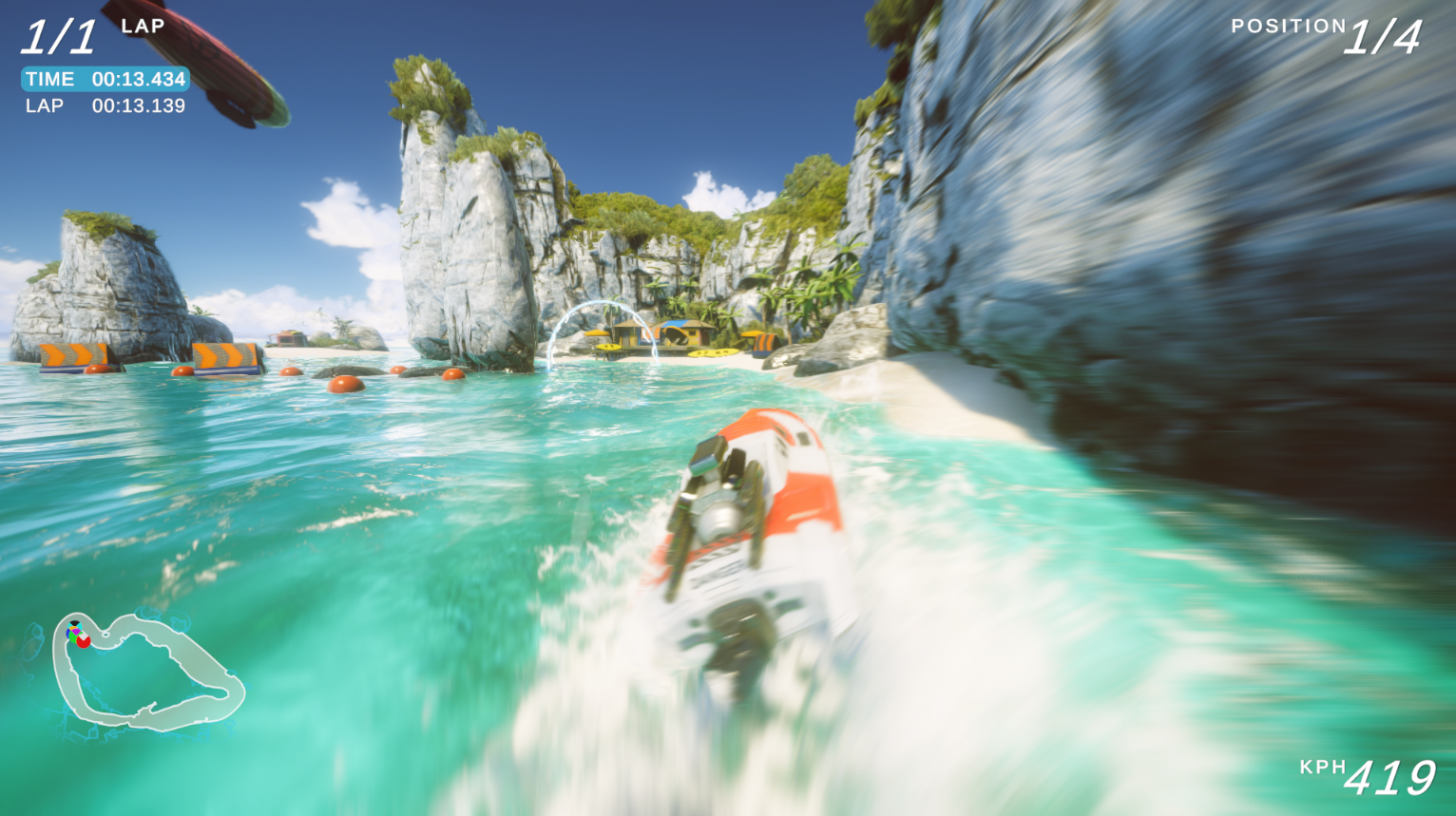
Install via UPM
Add to Unity Package Manager using this URL
https://www.pkglnk.dev/motion.git README Markdown
Copy this to your project's README.md
Style
Preview 
## Installation
Add **kMotion** to your Unity project via Package Manager:
1. Open **Window > Package Manager**
2. Click **+** > **Add package from git URL**
3. Enter:
```
https://www.pkglnk.dev/motion.git
```
[](https://www.pkglnk.dev/pkg/motion)Dependencies (1)
README
kMotion
Motion Blur for Unity’s Universal Render Pipeline.
An example of Motion Blur using kMotion with the Boat Attack demo.
kMotion provides full object motion blur for Unity's Universal Render Pipeline. It does this by generating a full camera and object motion vector texture, which can then be used for various temporal effects. Motion blur can then be enabled with the provided Motion Blur Volume Component for Scriptable Render Pipeline's Volume system, supported by default in Universal Render Pipeline.
Refer to the Wiki for more information.
Instructions
- Open your project manifest file (
MyProject/Packages/manifest.json). - Add
"com.kink3d.motion": "https://github.com/Kink3d/kMotion.git"to thedependencieslist. - Open or focus on Unity Editor to resolve packages.
Requirements
- Unity 2019.3.0f3 or higher.
No comments yet. Be the first!