Streaming Image Sequence
Streaming Image Sequence is a package for playing sequential image sequences in Unity Timeline easily without making Unity 2D Sprites.
com.unity.streaming-image-sequence 
Install via UPM
Add to Unity Package Manager using this URL
https://www.pkglnk.dev/streaming-image-sequence.git README Markdown
Copy this to your project's README.md
Style
Preview 
## Installation
Add **Streaming Image Sequence** to your Unity project via Package Manager:
1. Open **Window > Package Manager**
2. Click **+** > **Add package from git URL**
3. Enter:
```
https://www.pkglnk.dev/streaming-image-sequence.git
```
[](https://www.pkglnk.dev/pkg/streaming-image-sequence)Dependencies (9)
README
Latest official docs
Streaming Image Sequence
Streaming Image Sequence is a package for playing sequential image sequences in Unity Timeline easily without making Unity 2D Sprites.
Using Timeline 1.4.x or above is recommended.
Streaming Image Sequence is designed with the following principles in mind:
- Can avoid texture importing time entirely by using StreamingAssets.
- Offers smooth image playback, both in play mode and in timeline editing mode.
- Supports multiple OS.
Streaming Image Sequence is currently a preview package and the following steps are required to install it.
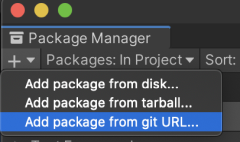
- Open Package Manager
- Click the + button, and choose Add package from git URL
- Type in
com.unity.streaming-image-sequence@followed by the version.
For example:com.unity.streaming-image-sequence@0.16.1-preview
Supported Unity Versions
- Unity
2020.3.45or higher. - Unity
2021.3.19or higher. - Unity
2022.2.8or higher.
Supported Platforms
- Windows
- Mac (Intel/Silicon)
- Linux
Features
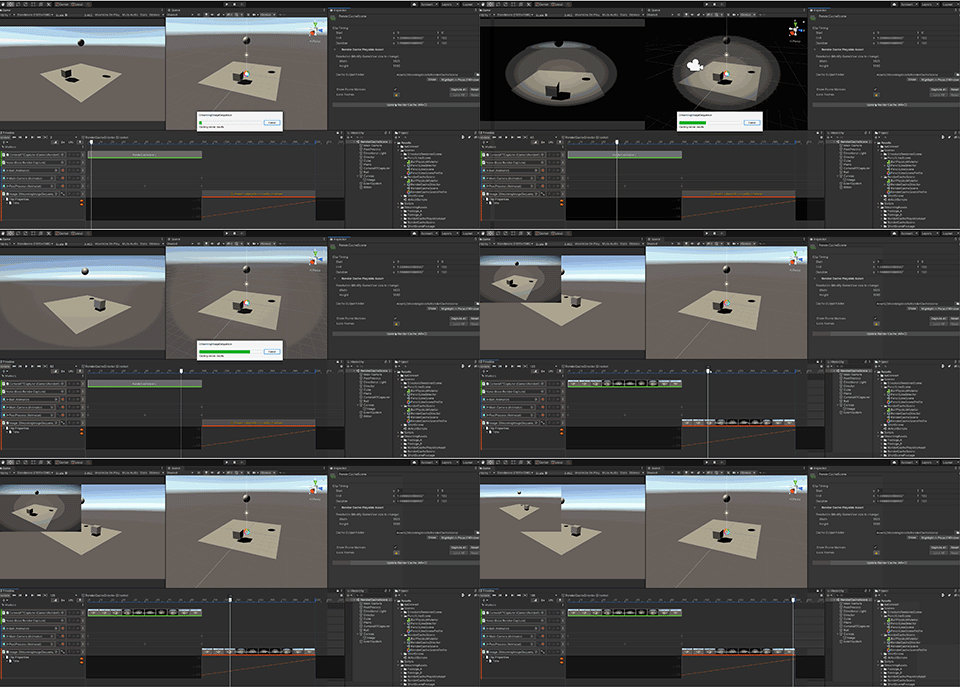
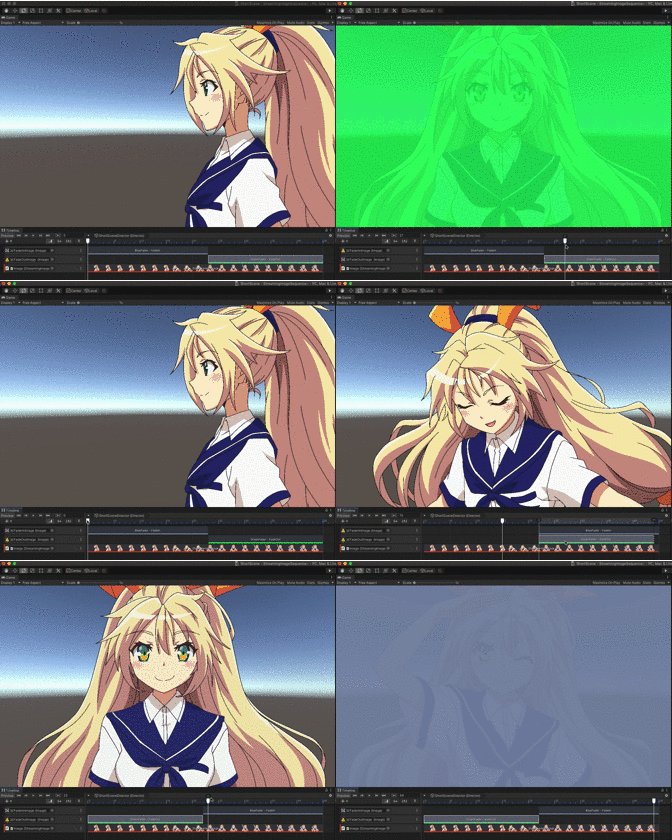
Plugins
License
- Source Code: Unity Companion License
- Third-Party Software Components: Third Party Notices
- Unity-chan Assets: Unity-Chan License
These assets can be located under, but not limited to, the following folder:AE~/SamplesStreamingImageSequence~/Assets/StreamingAssets
No comments yet. Be the first!