Asset List

ScriptableObject that automatically aggregates assets using AssetDatabase.FindAssets
com.gilzoide.assetlist Unity Compatibility
Unity 6 Supported
2023.2 Supported
2023.1 Supported
2022.3 LTS Supported
2021.3 LTS Supported
2020.3 LTS Not tested
2019.4 LTS Not tested
Install via UPM
Add to Unity Package Manager using this URL
https://www.pkglnk.dev/assetlist.git 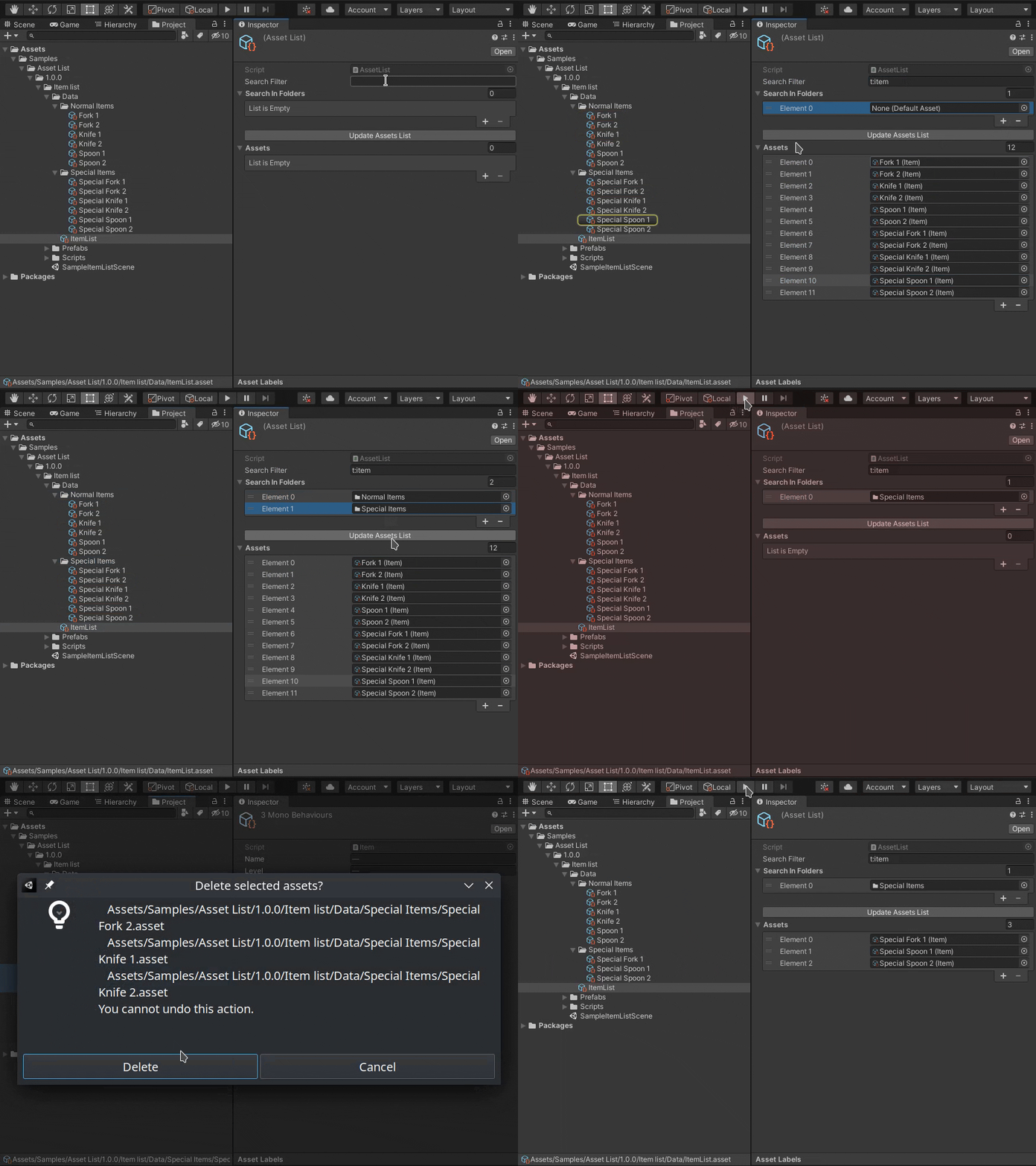
README Markdown
Copy this to your project's README.md
Style
Preview 
## Installation
Add **Asset List** to your Unity project via Package Manager:
1. Open **Window > Package Manager**
2. Click **+** > **Add package from git URL**
3. Enter:
```
https://www.pkglnk.dev/assetlist.git
```
[](https://www.pkglnk.dev/pkg/assetlist)README
Asset List
ScriptableObject that automatically aggregates assets in a project using
AssetDatabase.FindAssets.
The list is automatically updated when entering Play mode or building the
project, so there is no need to manually update it.
Installing
Install via Unity Package Manager using this repository URL:
https://github.com/gilzoide/AssetList.git
Comments
No comments yet. Be the first!
Sign in to join the conversation
Sign In