Vision UI
Create Apple Vision Pro-compatible UI interfaces for your Unity projects. This UI kit provides production-ready components based on Apple's official design language, enabling developers to prototype spatial interfaces and test them on current VR platforms like Meta Quest before Vision Pro's release. Features pre-built UI elements accessible through the GameObject context menu, supporting Unity 2021.3.30f1 and later.
com.jetxr.visionui 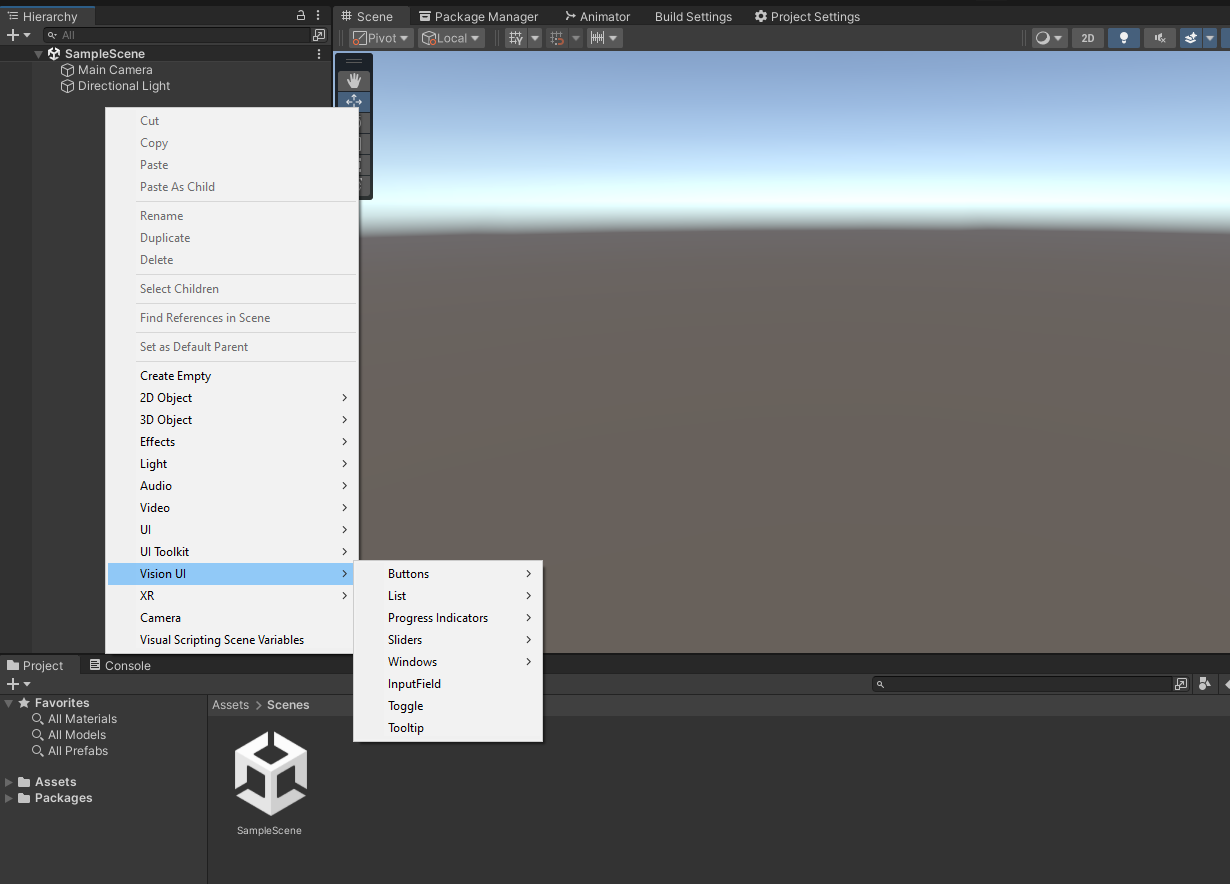
Install via UPM
Add to Unity Package Manager using this URL
https://www.pkglnk.dev/visionui.git README Markdown
Copy this to your project's README.md

## Installation
Add **Vision UI** to your Unity project via Package Manager:
1. Open **Window > Package Manager**
2. Click **+** > **Add package from git URL**
3. Enter:
```
https://www.pkglnk.dev/visionui.git
```
[](https://www.pkglnk.dev/pkg/visionui)Dependencies (2)
README
JetStyle | JetXR | Discord
Apple Vision Pro UI Kit © 2023 JetStyle
Introduction
We created this Unity UI kit so that developers can prototype their future Apple Vision Pro app interfaces. We strongly believe that if we want to make our prototypes user-friendly, we have to test them on real users in VR. Since all of us don’t have access to Apple Vision Pro headsets yet, we still can test the interfaces on the VR equipment we have today, e.g. Meta Quest and Meta Quest Pro.
Just download this UI kit (it’s based on the official Apple Figma kit) to build your Vision Pro apps.
This Unity UI kit will give you an opportunity to:
- Create a functional app prototype
- See how it behaves in spatial environment (aka "VR")
- Test it on real users
- Experiment and improve it, so that it’s perfect by the time Vision Pro is out.
System Requirements
Unity 2021.3.30f1 or later versions.
Installation
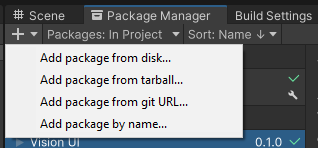
- You can install it with Package Manager > + > Add package from git URL...
https://github.com/jetstyle/Apple-Vision-Pro-UI-Kit.git
- You can also install with git url by adding this entry in your manifest.json
"com.jetxr.visionui": "https://github.com/jetstyle/Apple-Vision-Pro-UI-Kit.git"
You can also download it from the Asset Store
Prepared demo project for Meta Quest is avaliable here
How to use it?
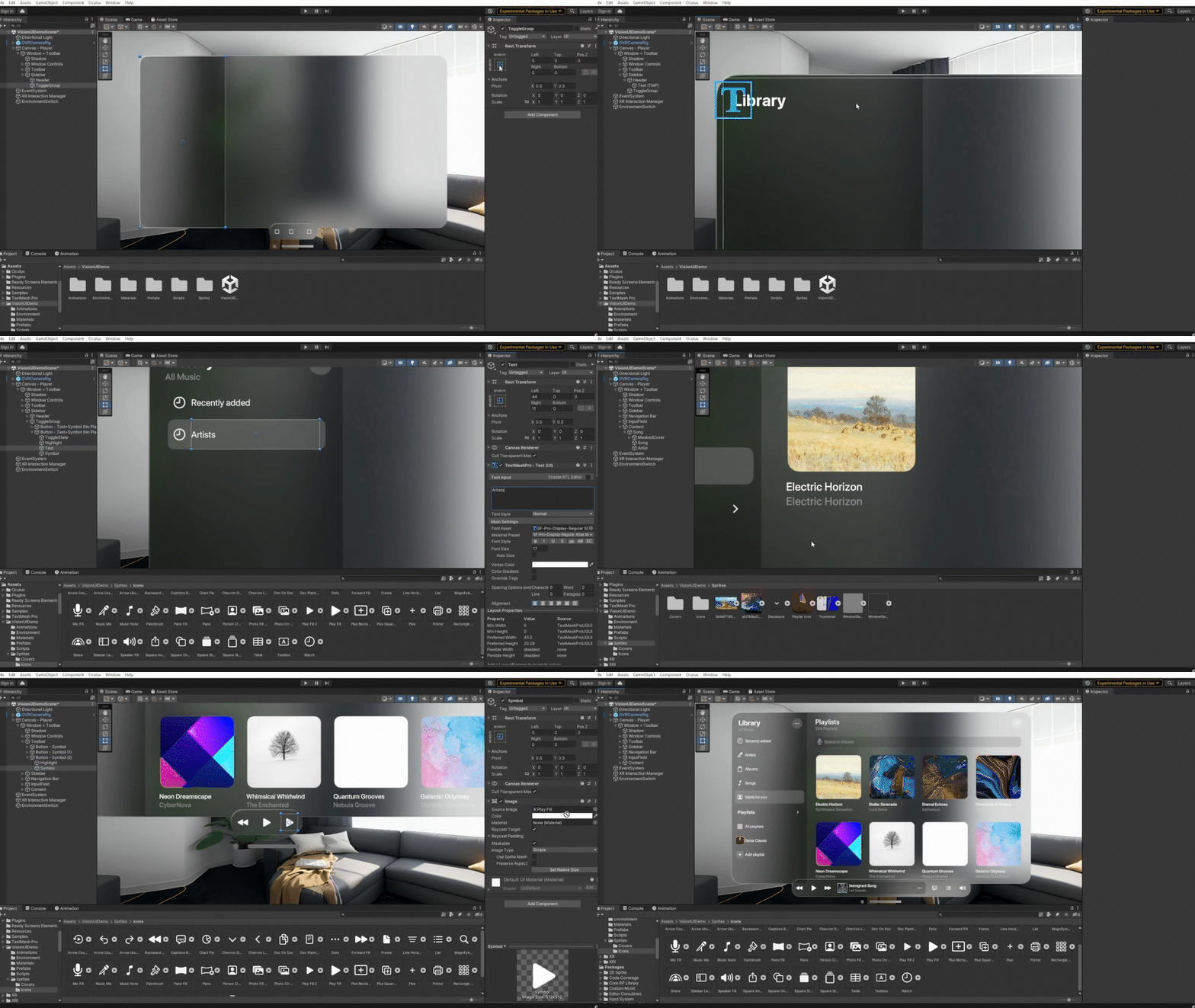
Our package provides a collection of UI elements that can be added to a scene using the GameObject context menu.
A small gif with the process of working with our package:
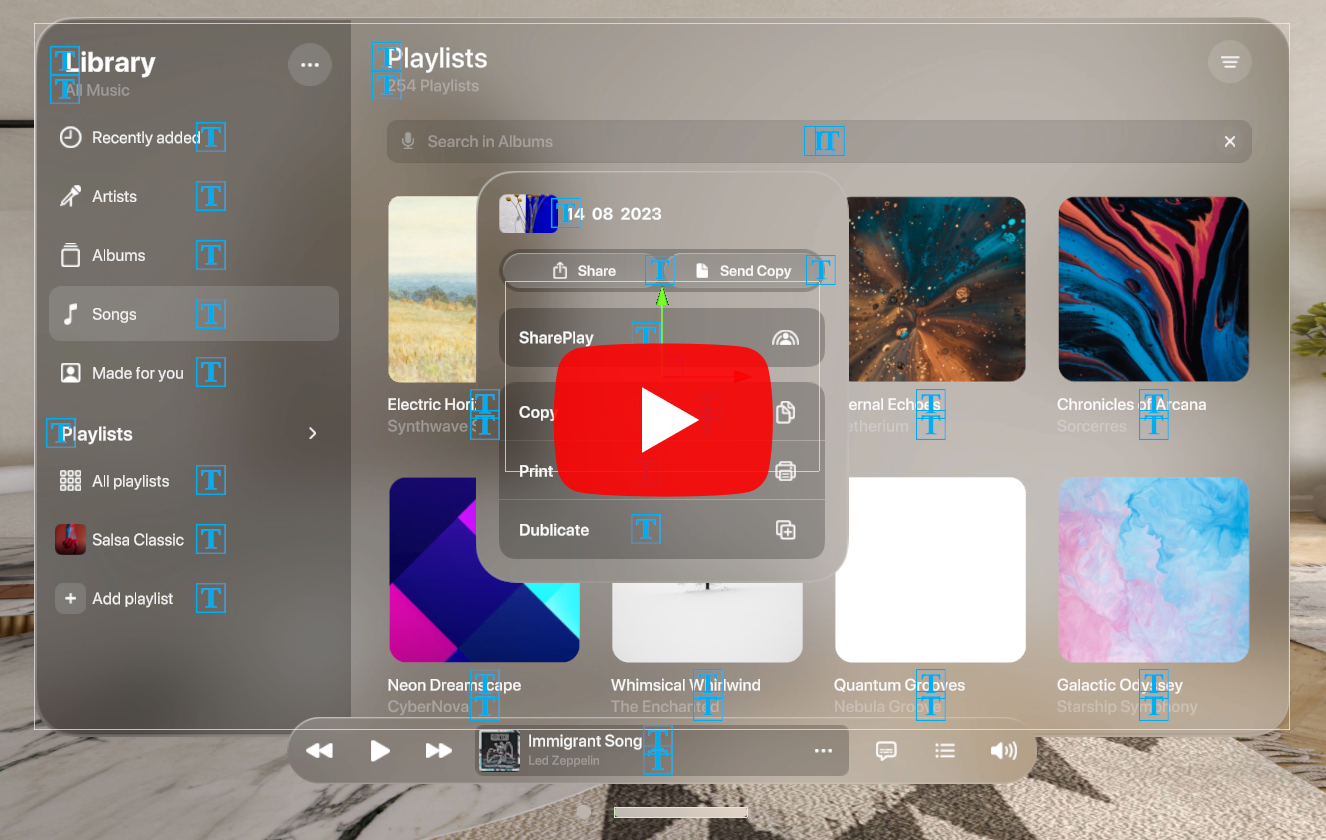
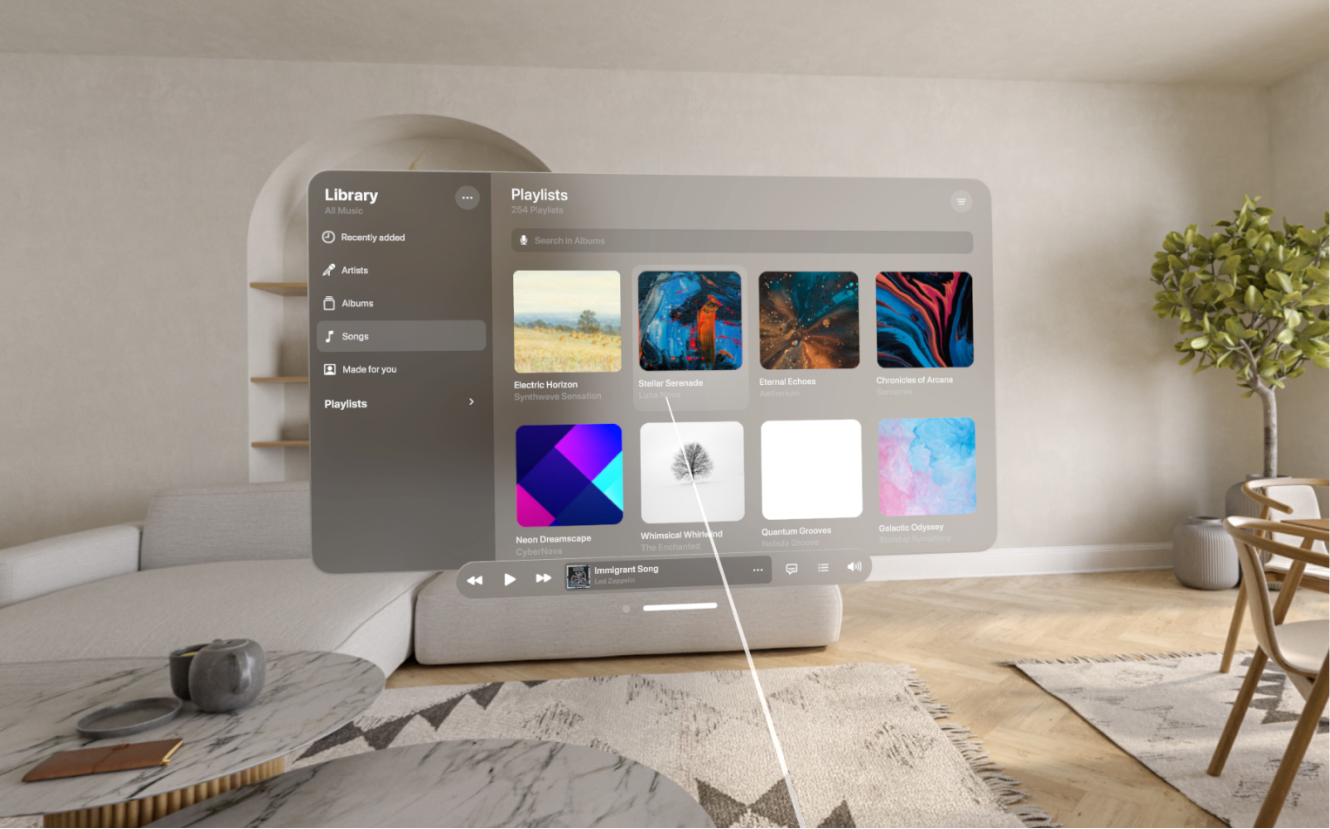
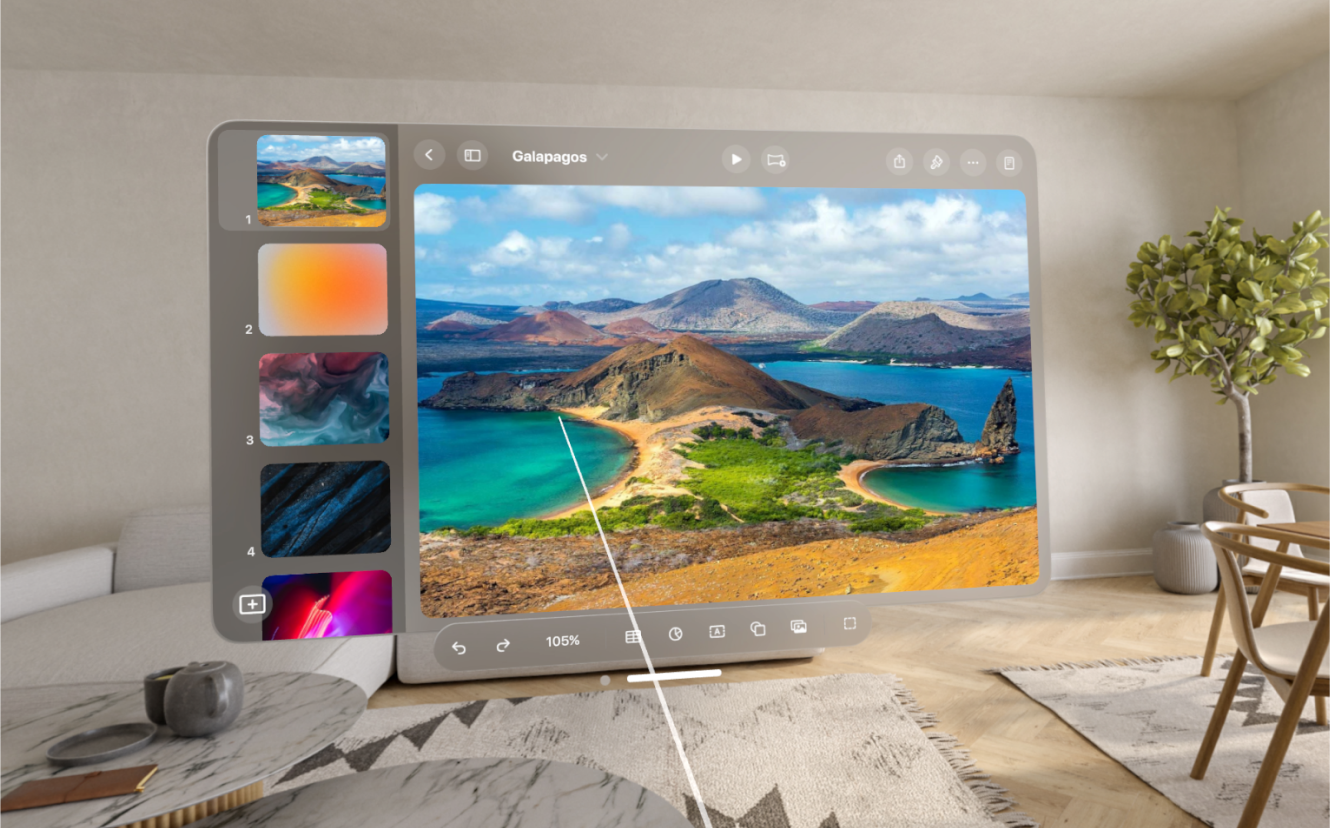
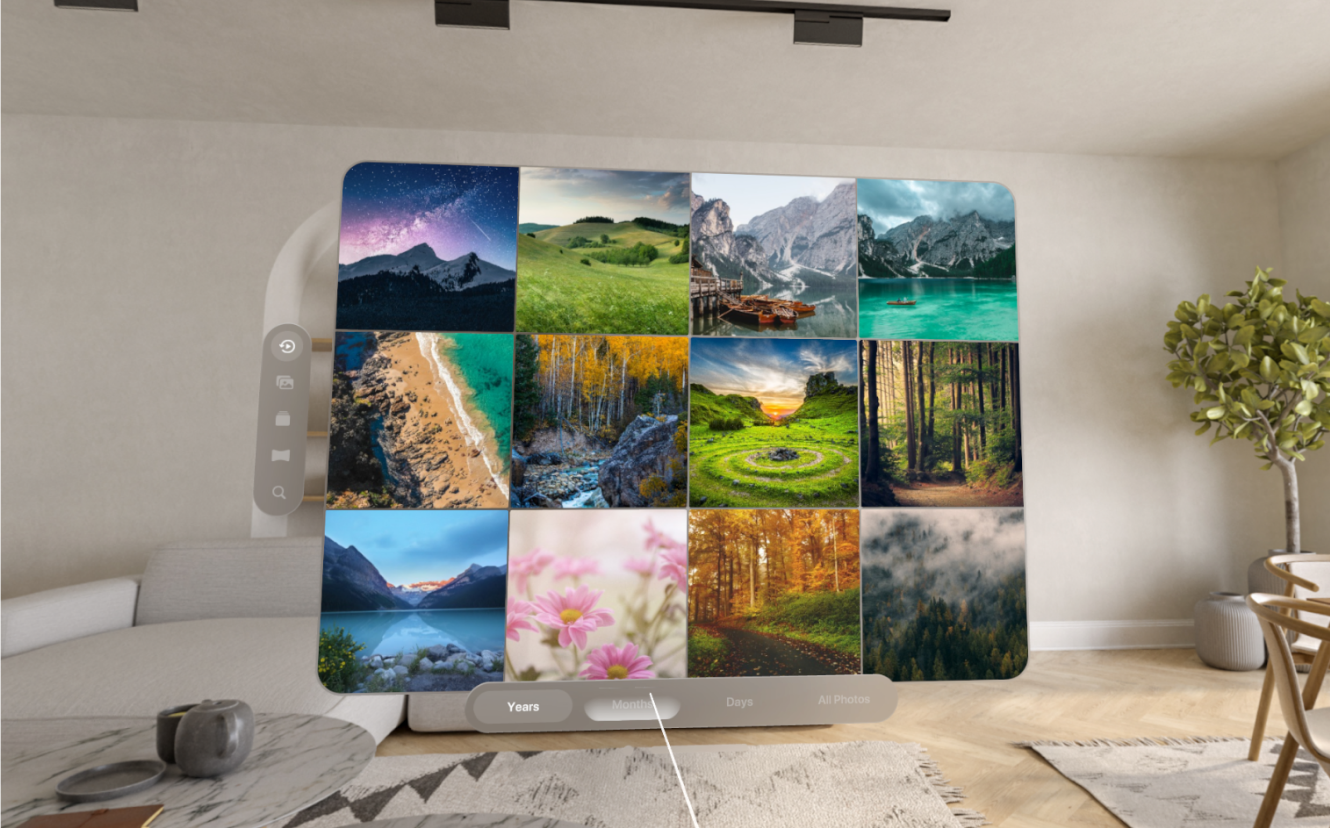
Showcases
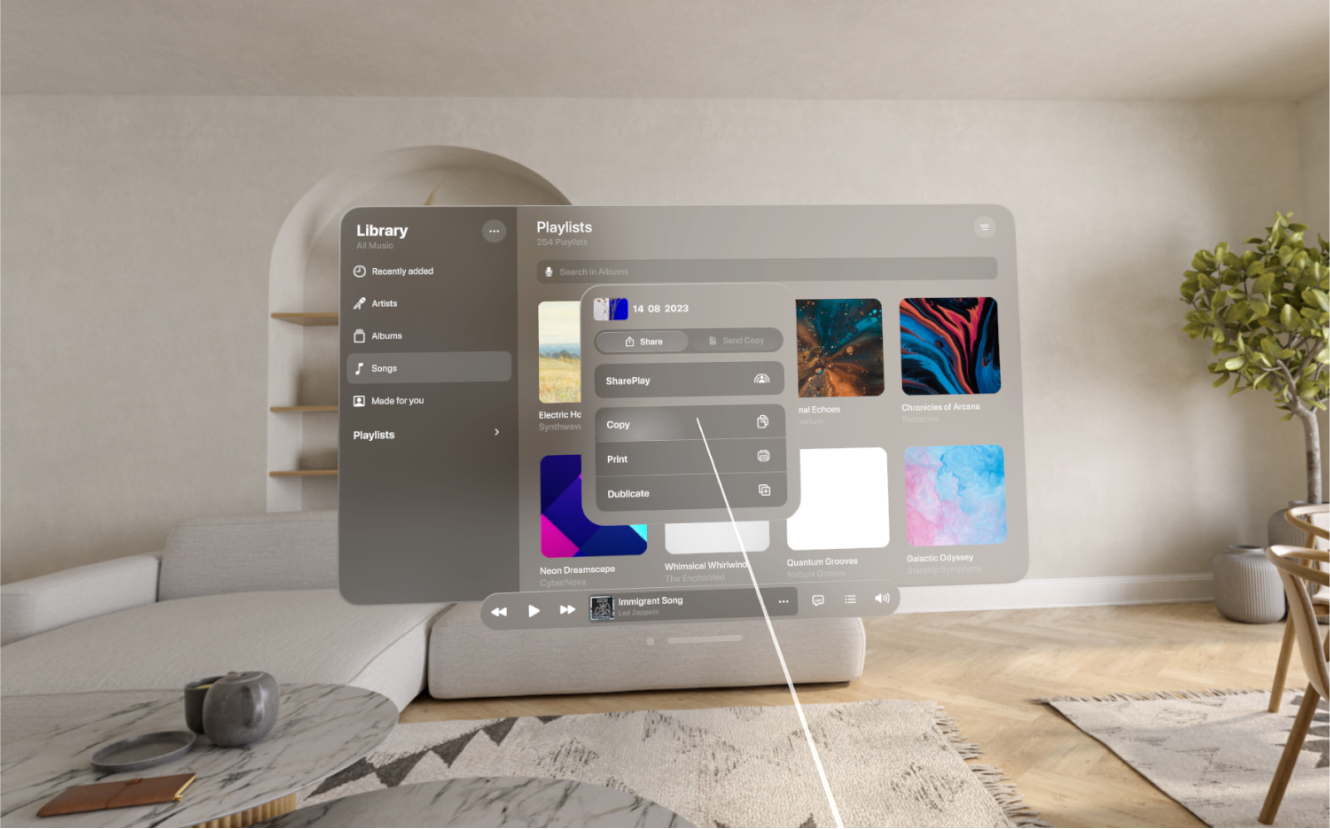
Demonstration of interfaces based on our package (captured on Meta Quest 2 with our panorama):
UI Elements List
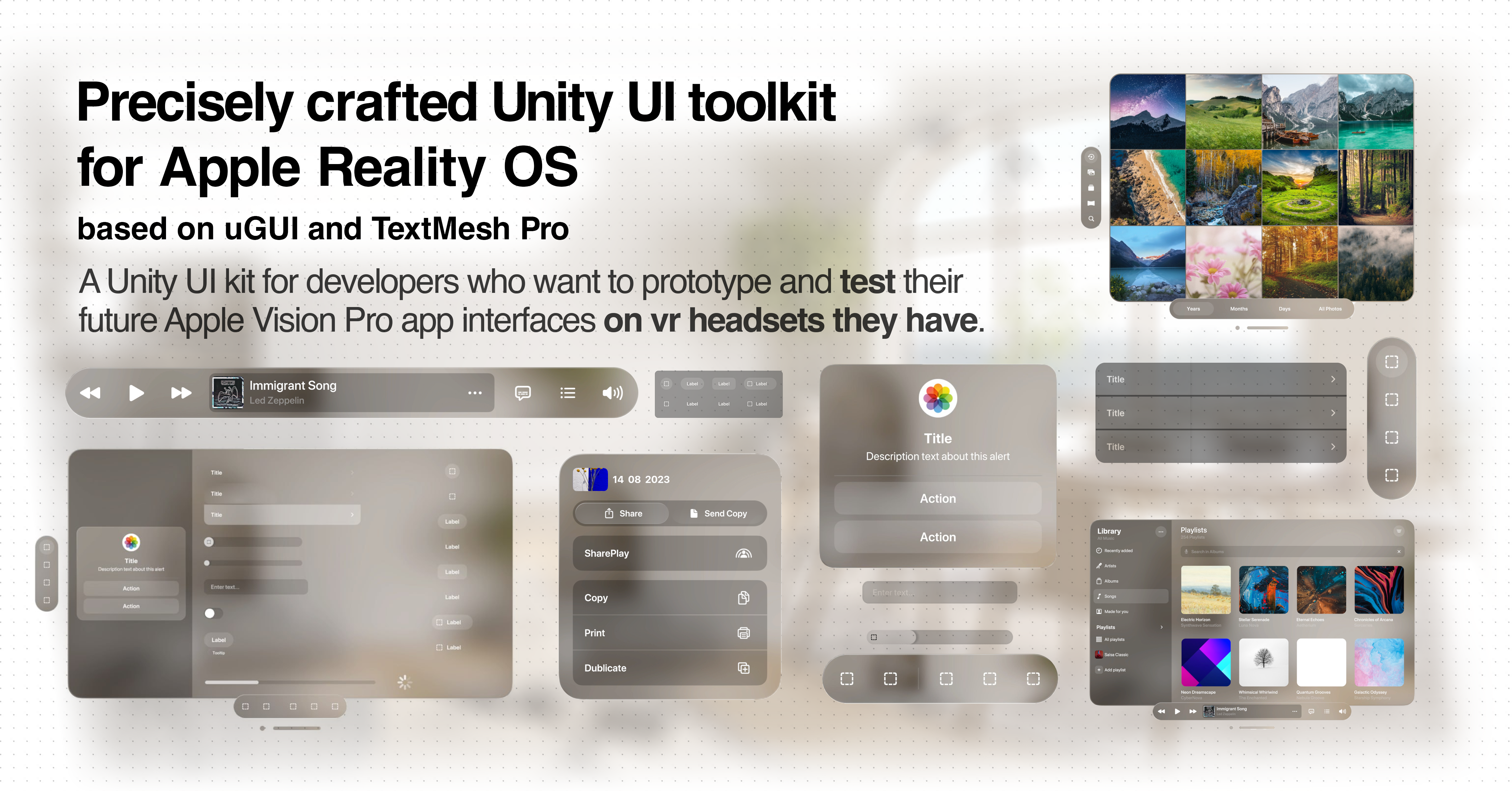


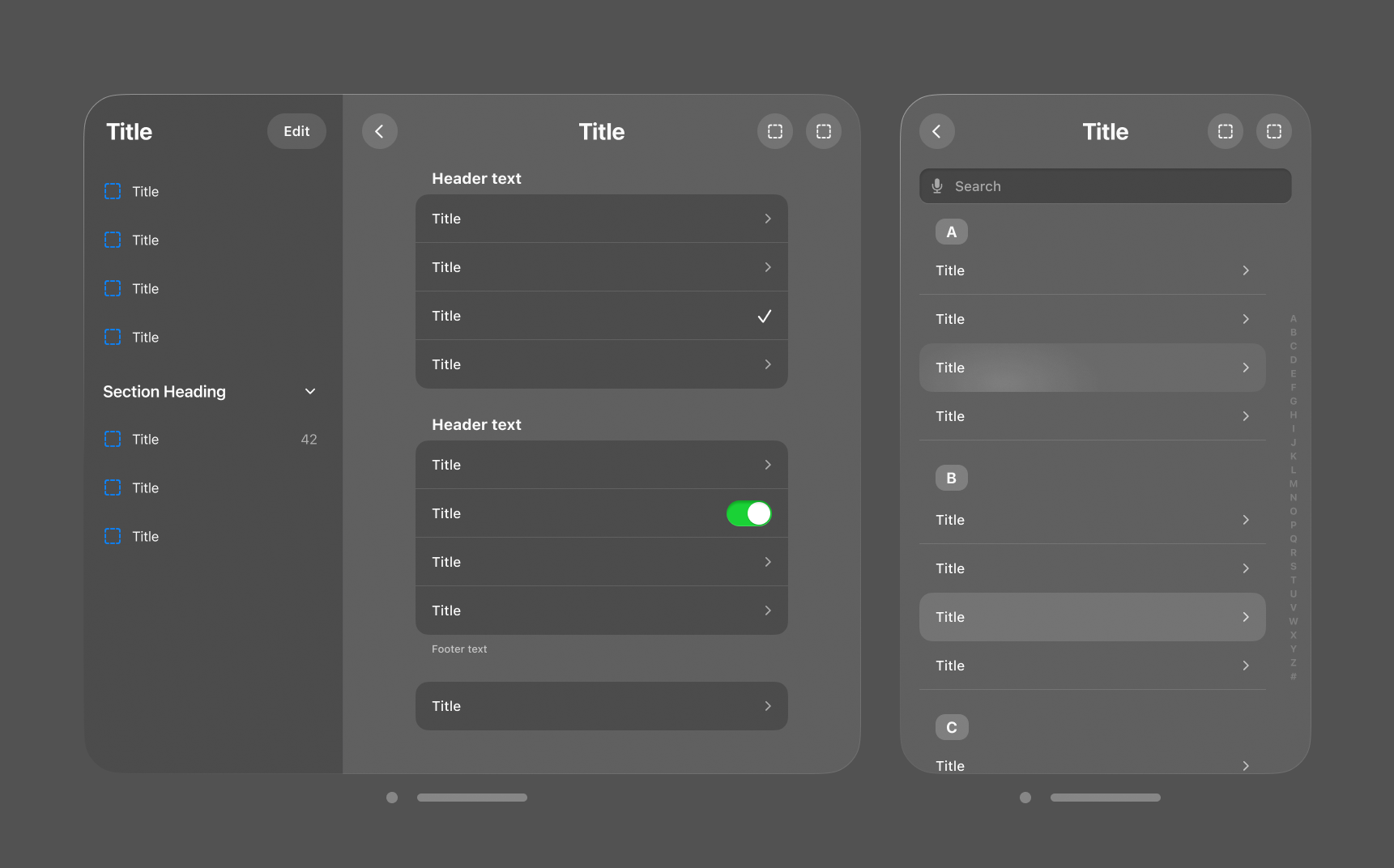
- Buttons (in different sizes and in two versions: with and without platter)
- Symbol
- Text
- Text + Symbol
- Text Rounded Rect
- List
- Completed List
- List Element (+ No Platter version)
- Progress Indicators
- Throbber
- Progress Bar
- Sliders
- Mini Slider
- Small Slider
- Regular Slider
- Large Slider
- Windows
- Window
- Window + Tabbar
- Window + Toolbar
- Alert
- Windows Stacker
- Add-ons
- Toolbar
- Tabbar
- Sidebar
- Window Controls
- Window Resizer
- Input Field
- Toggle
- Tooltip
- Segmented Control
- Volume
No comments yet. Be the first!