Unity Editor Icons
Build in unity editor icons
com.laicasaane.unity-editor-icons 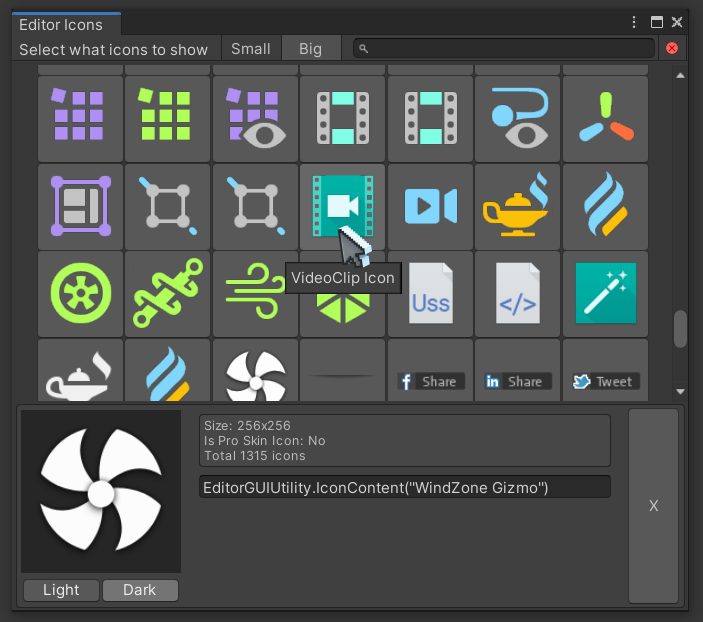
Install via UPM
Add to Unity Package Manager using this URL
https://www.pkglnk.dev/unity-editor-icons.git README Markdown
Copy this to your project's README.md
Style
Preview 
## Installation
Add **Unity Editor Icons** to your Unity project via Package Manager:
1. Open **Window > Package Manager**
2. Click **+** > **Add package from git URL**
3. Enter:
```
https://www.pkglnk.dev/unity-editor-icons.git
```
[](https://www.pkglnk.dev/pkg/unity-editor-icons)README
UnityEditorIcons
Build in unity editor icons browser - explore all them icons within the editor itself !
Feed me a beer (૭ ◉༬◉)૭⁾⁾⁾⁾ 
Installation
Drop the file EditorIcons.cs file anywhere in your project
Open : Tools > Editor Icons , or via the short cut ( Ctrl+E )
Preview
| Interface | Tall |
|---|---|
|
 |
Some info
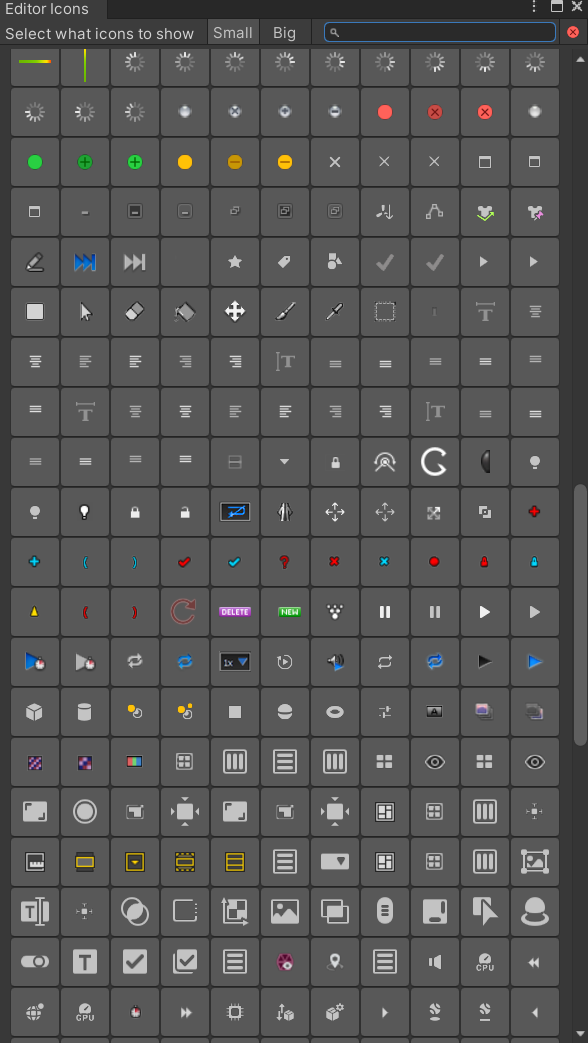
- Big / Small icons will toggle the view between icons that are bigger then 32px in size or smaller.
- Search text field will filter all icons irrelevant to the size selection.
- All of the icons are buttons and are clickable - select an icon to open preview
- Toggle between dark / light background in the preview
- There is a handy text field with a code snipper - select and copy
Footnote
The code is a complete mess, created for personal use from the following resources:
- https://gist.github.com/MattRix/c1f7840ae2419d8eb2ec0695448d4321
- https://unitylist.com/p/5c3/Unity-editor-icons
- Check out the neat icon miner / list exporter by halak : link
No comments yet. Be the first!