Unimgpicker
Enable native image selection on iOS and Android with Unimgpicker, a streamlined plugin that integrates your platform's photo library picker into Unity. Load selected images as textures with optional size optimization for efficient memory usage, complete with customizable permission prompts and straightforward callback handling.
com.kakeragames.unimgpicker 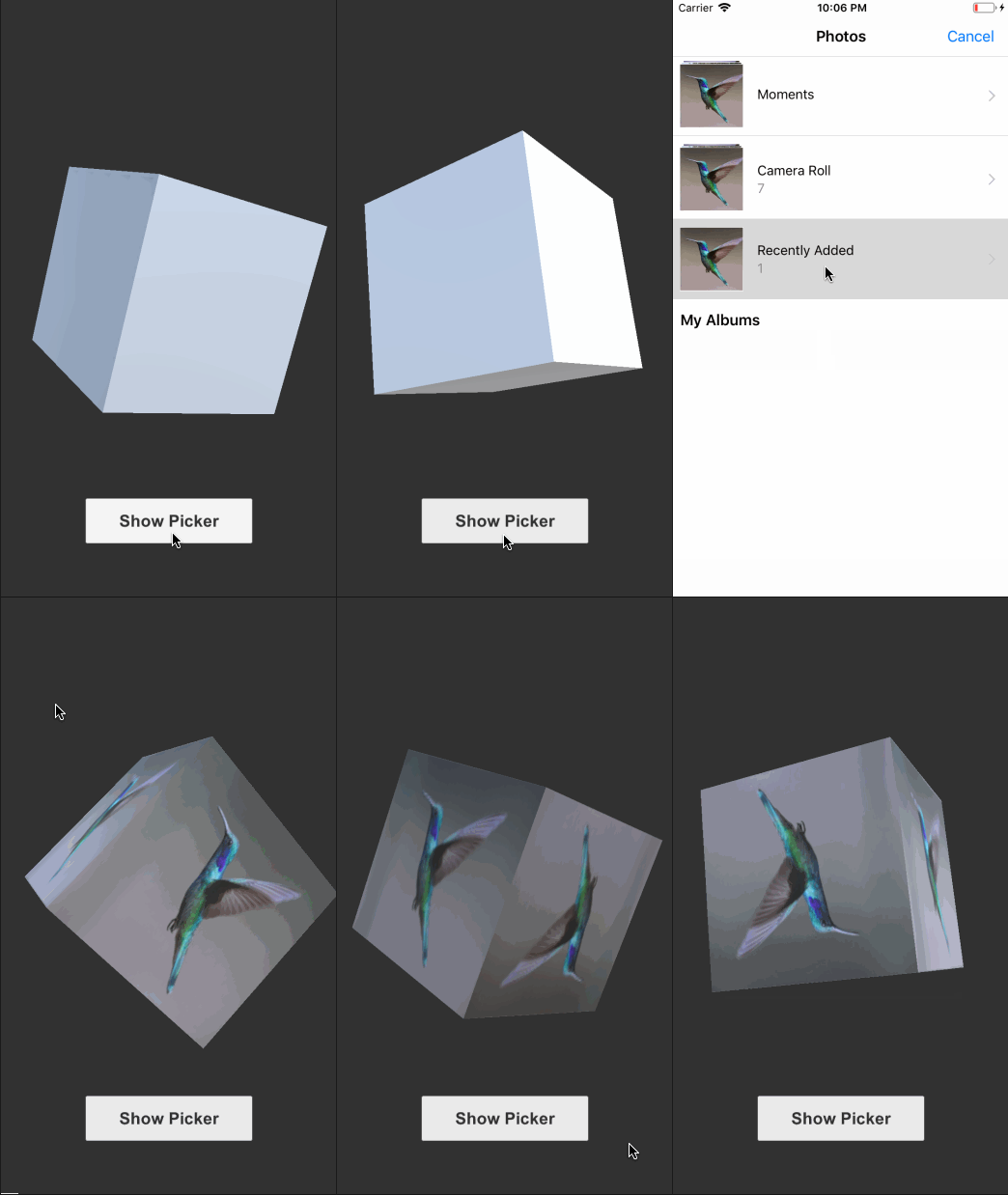
Install via UPM
Add to Unity Package Manager using this URL
https://www.pkglnk.dev/unimgpicker.git README Markdown
Copy this to your project's README.md

## Installation
Add **Unimgpicker** to your Unity project via Package Manager:
1. Open **Window > Package Manager**
2. Click **+** > **Add package from git URL**
3. Enter:
```
https://www.pkglnk.dev/unimgpicker.git
```
[](https://www.pkglnk.dev/pkg/unimgpicker)README
unimgpicker
Image picker for Unity iOS/Android
Getting Started
Import unimgpicker.unitypackage into your project.
:warning: For package developers: This project is under work to adapt with Package Manager. Please use .unitypackage until the migration is done.
Define Photo Library Usage Description on Unimgpicker/Editor/NSPhotoLibraryUsageDescription.txt
ex: Unimgpicker/Editor/NSPhotoLibraryUsageDescription.txt
Use the image to create your profile.
Demo
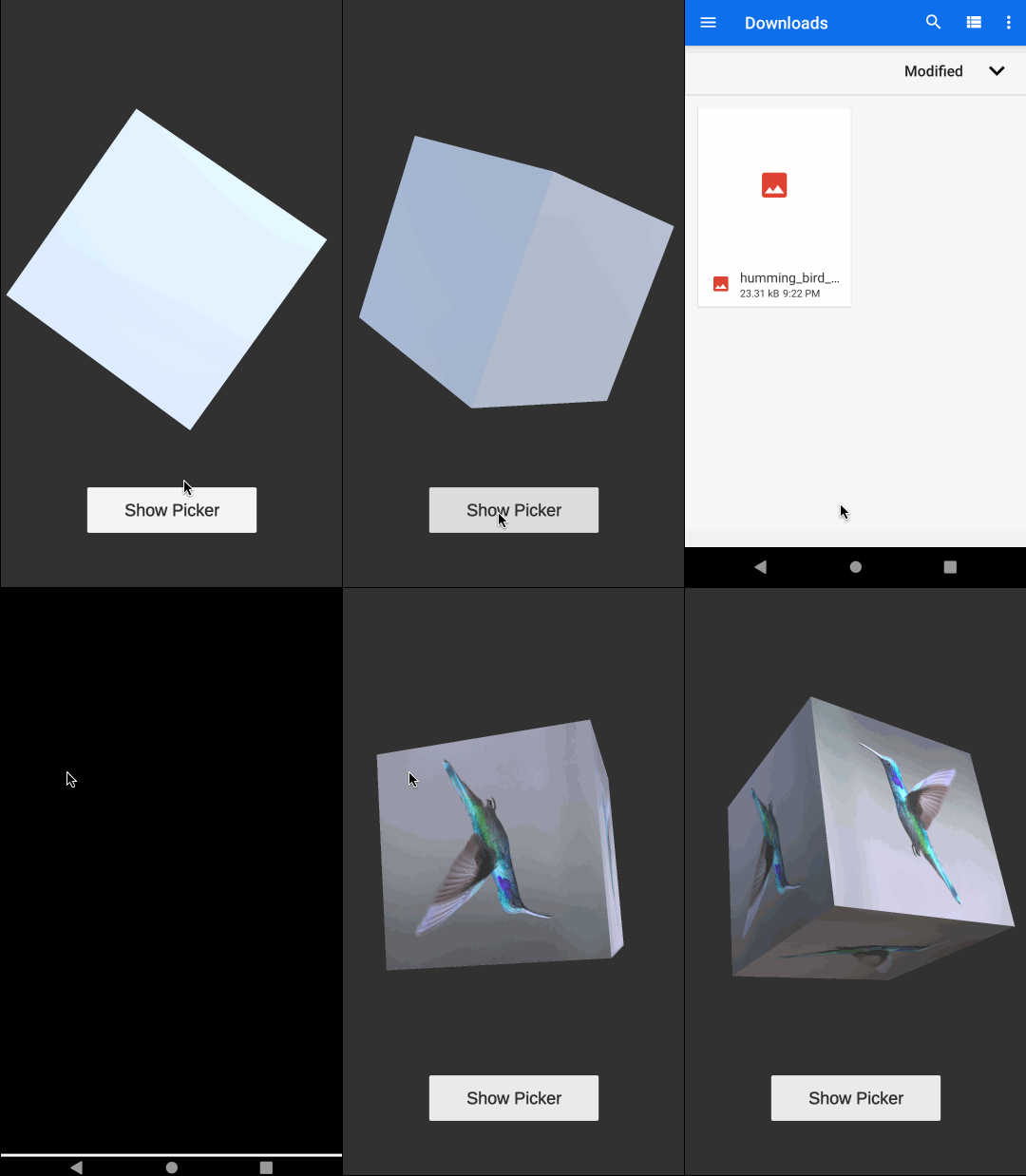
Read image, create texture and render it on the Cube(MeshRenderer).
using UnityEngine;
using System.Collections;

namespace Kakera
{
    public class PickerController : MonoBehaviour
    {
        [SerializeField]
        private Unimgpicker imagePicker;

        [SerializeField]
        private MeshRenderer imageRenderer;

        void Awake()
        {
            // Unimgpicker returns the image file path.
            imagePicker.Completed += (string path) =>
            {
                StartCoroutine(LoadImage(path, imageRenderer));
            };
        }

        public void OnPressShowPicker()
        {
            // With v1.1 or greater, you can set the maximum size of the image
            // to save the memory usage.
            imagePicker.Show("Select Image", "unimgpicker", 1024);
        }

        private IEnumerator LoadImage(string path, MeshRenderer output)
        {
            var url = "file://" + path;
            var www = new WWW(url);
            yield return www;

            var texture = www.texture;
            if (texture == null)
            {
                Debug.LogError("Failed to load texture url:" + url);
            }

            output.material.mainTexture = texture;
        }
    }
}
Environment
The code is developed on following environments. Note that these are NOT minimum version requirements.
| Platform | OS | IDE |
|---|---|---|
| iOS | 13.3 | Xcode 11.6 |
| Android | 10.0 (API 29) | Android Studio 4.0.1 |
Minimum SDK Versions
| Platform | SDK Version |
|---|---|
| Android | 6.0 (API 23) |
For Developers
Running formatter
# If clang-format is installed.
$ make format

# If docker is installed.
$ docker build -t unimgpicker .
$ docker run --rm -v $PWD:/build -w /build unimgpicker make format
Customize Unimgpicker by Self
Unimgpicker embedds Obj-C & Java code as Unity plugin. You can make changes to the code.
No comments yet. Be the first!