Rhythm.Core
An opinionated micro-framework to bootstrap or prototype your next rhythm game development. It offers an agnostic core implementation for a rhythm game with no dependencies, allowing you to develop a diverse range of 2D / 3D rhythm games with any sound engine, input system, serialization library, or any modules of your choice. Be it your classical VSRG (Vertical Scrolling Rhythm Game) or venturing into a Non-Standard Rhythm Game, you can always start with Rhythm Core!
me.cxo2.rhythmcore 
Install via UPM
Add to Unity Package Manager using this URL
https://www.pkglnk.dev/rhythmcore.git README Markdown
Copy this to your project's README.md

## Installation
Add **Rhythm.Core** to your Unity project via Package Manager:
1. Open **Window > Package Manager**
2. Click **+** > **Add package from git URL**
3. Enter:
```
https://www.pkglnk.dev/rhythmcore.git
```
[](https://www.pkglnk.dev/pkg/rhythmcore)README
RhythmCore
An opinionated micro-framework to bootstrap or prototype your next rhythm game in Unity.
This Unity package offers an agnostic core implementation for a rhythm game with no dependencies, allowing you to develop a diverse range of 2D / 3D rhythm games with any sound engine, input system, serialization library, or any modules of your choice.
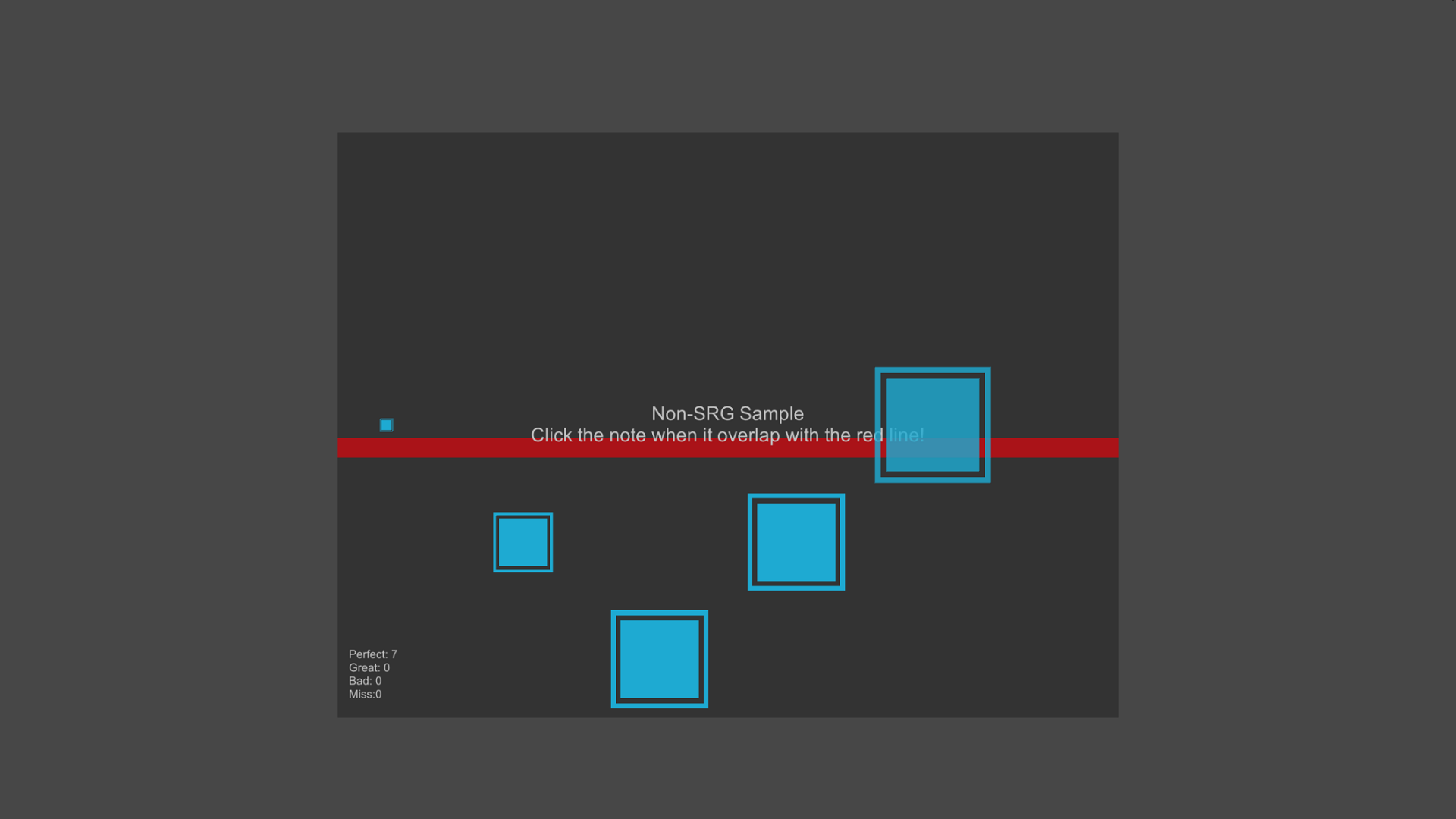
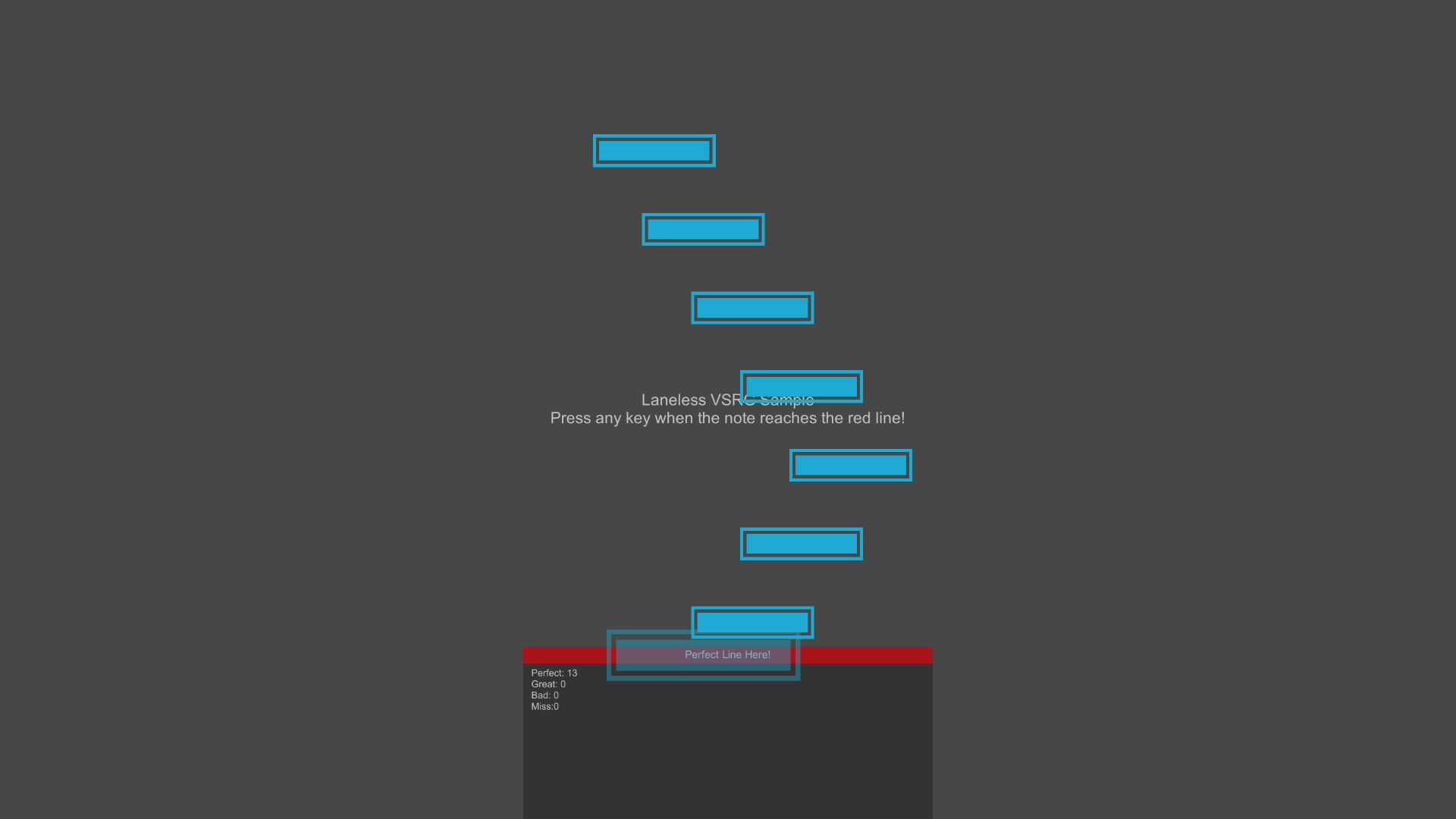
Be it your classical VSRG (Vertical Scroll-based Rhythm Game) or venturing into a Non-Standard Rhythm Game, you can always start with Rhythm Core!
 |
 |
|---|
Installation
Using git
- Create or Open an existing Unity project.
- Open the Unity Package Manager (UPM) from
Window -> Package Manager. - Click Add Package (
+) on the upper left corner and selectAdd package from git URL. - Enter
git@github.com:SirusDoma/RhythmCore.gitand click theAddbutton. - Done!
Using asset package
- Download the unitypackage file.
- Create or Open an existing Unity project.
- Select your
Assetsfolder and then clickAssets -> Import Package -> Custom Package.. - Locate the downloaded
.unitypackage. - Done!
Documentation
Please refers to the Documentation for the development guide.
Samples
A collection of fully working samples can be found in the Samples folder.
License
This open-source software is licensed under the zlib/png license.
No comments yet. Be the first!