Render Hell
A Unity project designed to test my HLSL skills and your GPU patience.
com.ingsorre97.render-hell 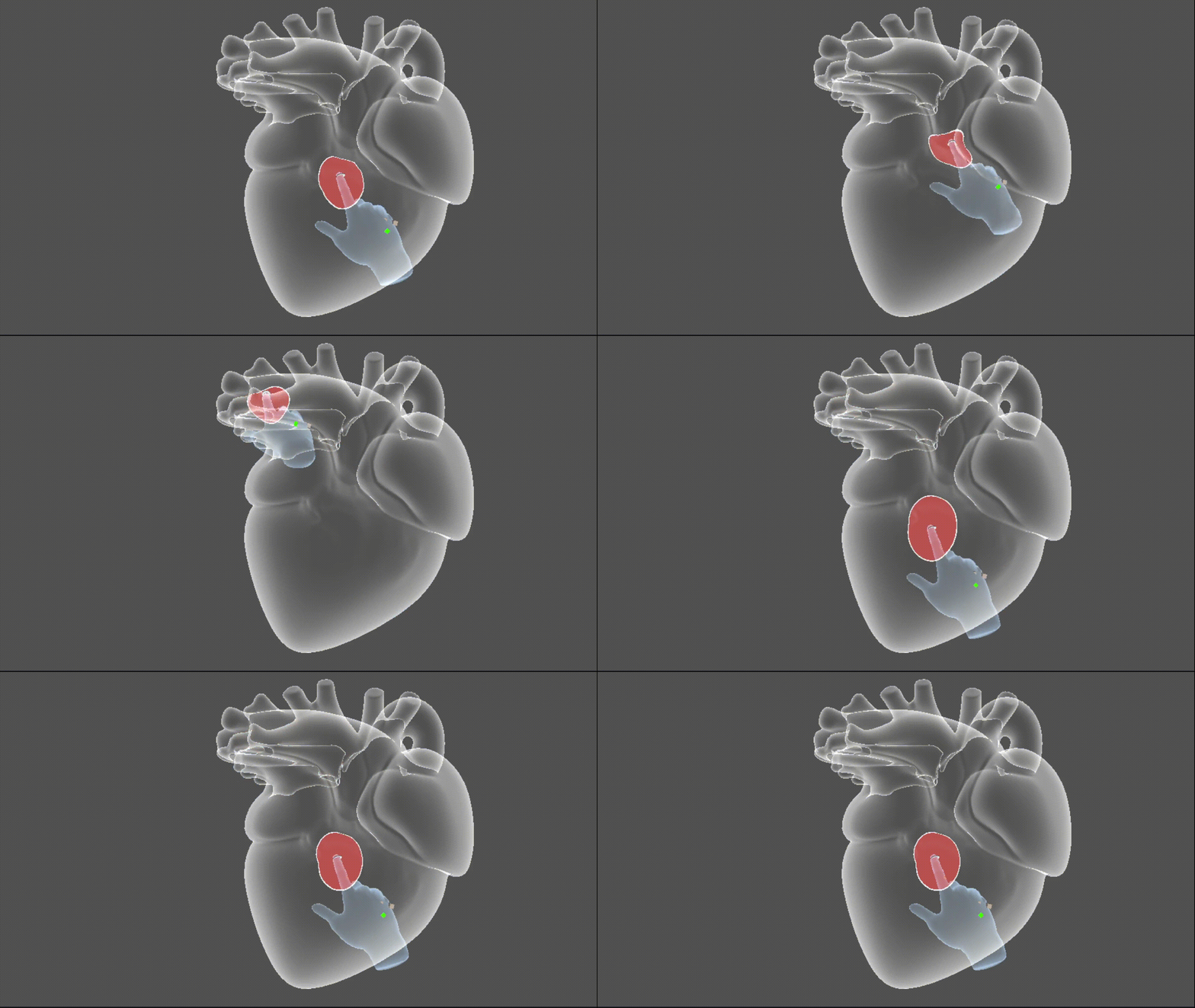
Install via UPM
Add to Unity Package Manager using this URL
https://www.pkglnk.dev/render-hell.git#upm README Markdown
Copy this to your project's README.md

## Installation
Add **Render Hell** to your Unity project via Package Manager:
1. Open **Window > Package Manager**
2. Click **+** > **Add package from git URL**
3. Enter:
```
https://www.pkglnk.dev/render-hell.git#upm
```
[](https://www.pkglnk.dev/pkg/render-hell)README
Welcome to Render-Hell! 🔥📟
This project was born as a tribute to Render Hell by simonschreibt, proudly carrying on its legacy of rendering agony.
...one shader glitch at a time
https://simonschreibt.de/gat/renderhell/
Table of Contents
What is Render Hell?
A Unity project designed to test my HLSL skills and your GPU’s patience.
Here, I throw shaders at your screen that will make your graphics card question its life choices... think of it as a chaotic playground for graphics enthusiasts where lighting, textures, and post-processing effects all come together to create beautiful, unpredictable mayhem.
If you're brave enough, dive in... just don’t say I didn’t warn you.
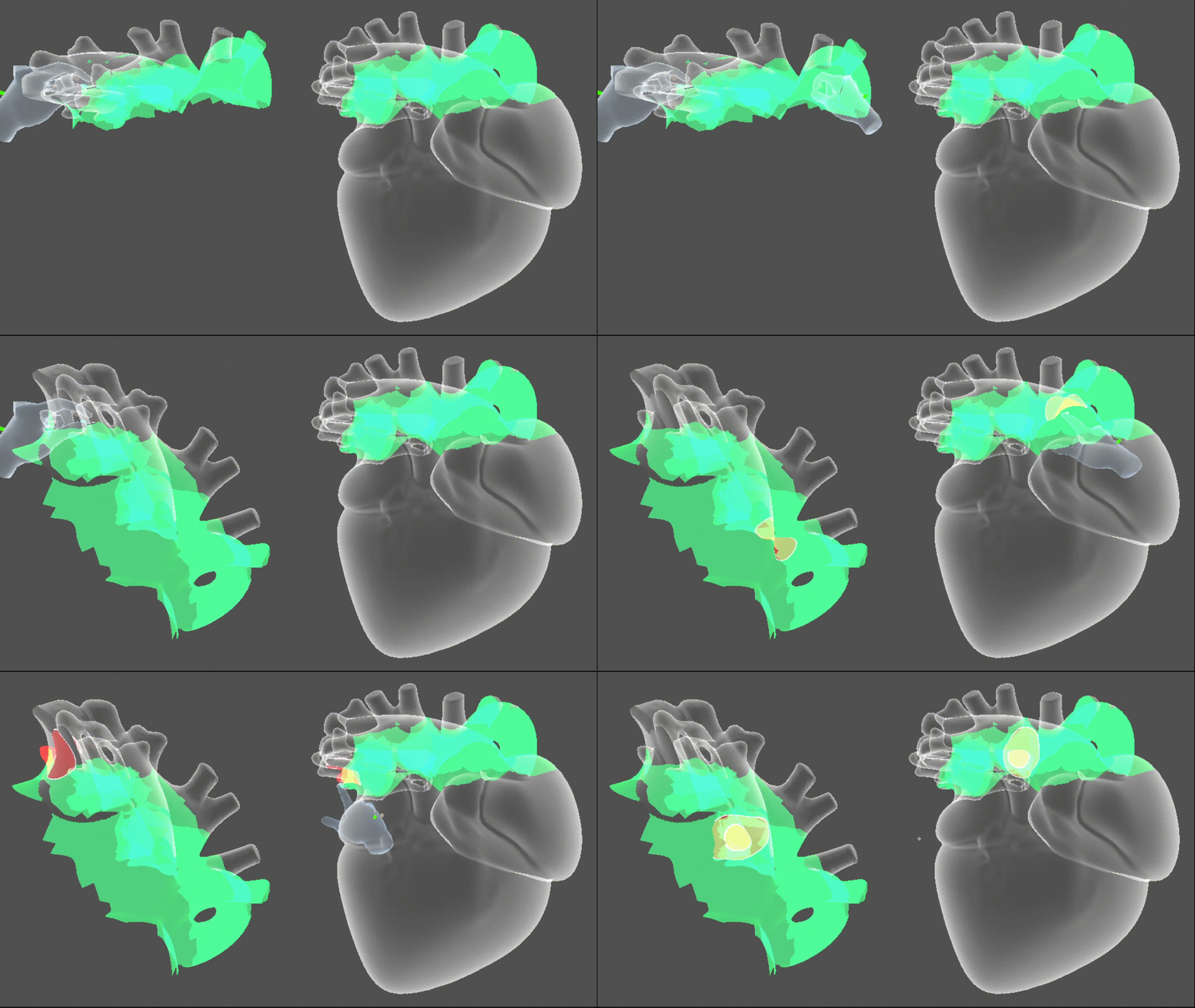
🖌️ Brush3D - Interactive Mesh Manipulation in Unity
Brush3D is an intuitive Unity tool for real-time 3D mesh interaction and editing.
It utilizes a combination of Shaders/Compute Shaders and Burst Jobs to get the ...job... done in the least amount of time.
Shaders --> Utilized to render the correct material properties on each vertex
Compute Shaders --> Utilized to update a 2DTextureArray whose purpose is to save drawn/clipped regions over time
Burst Jobs --> Utilized to generate a new geometry starting from the drawn region, they iterate over vertices and triangles ensuring the same geometry sub-section with the least amount of vertices.
🔍 Intersecting: Visualize area of effect from the preview sphere
🎨 Drawing: Leave a trail behind your cursor
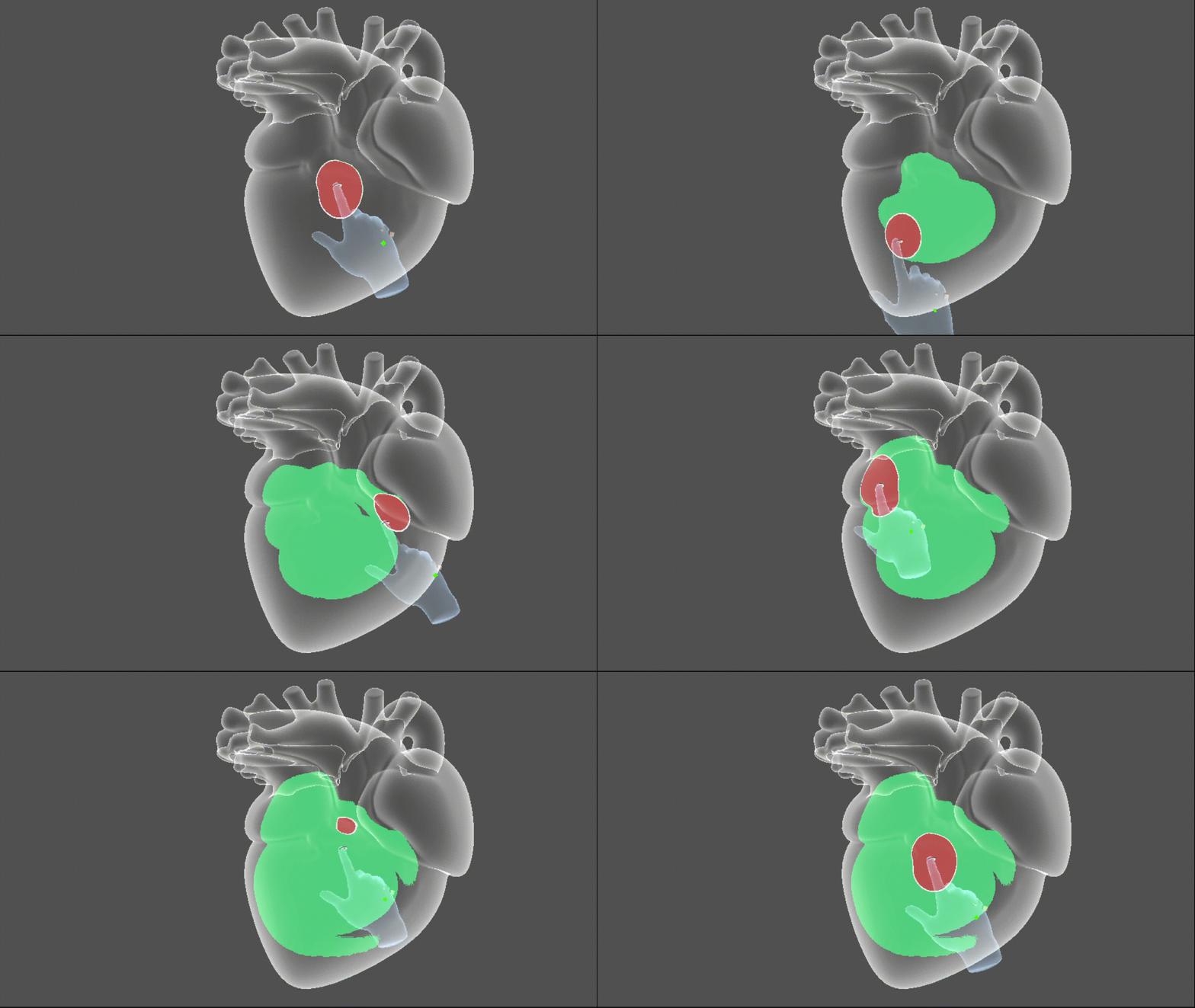
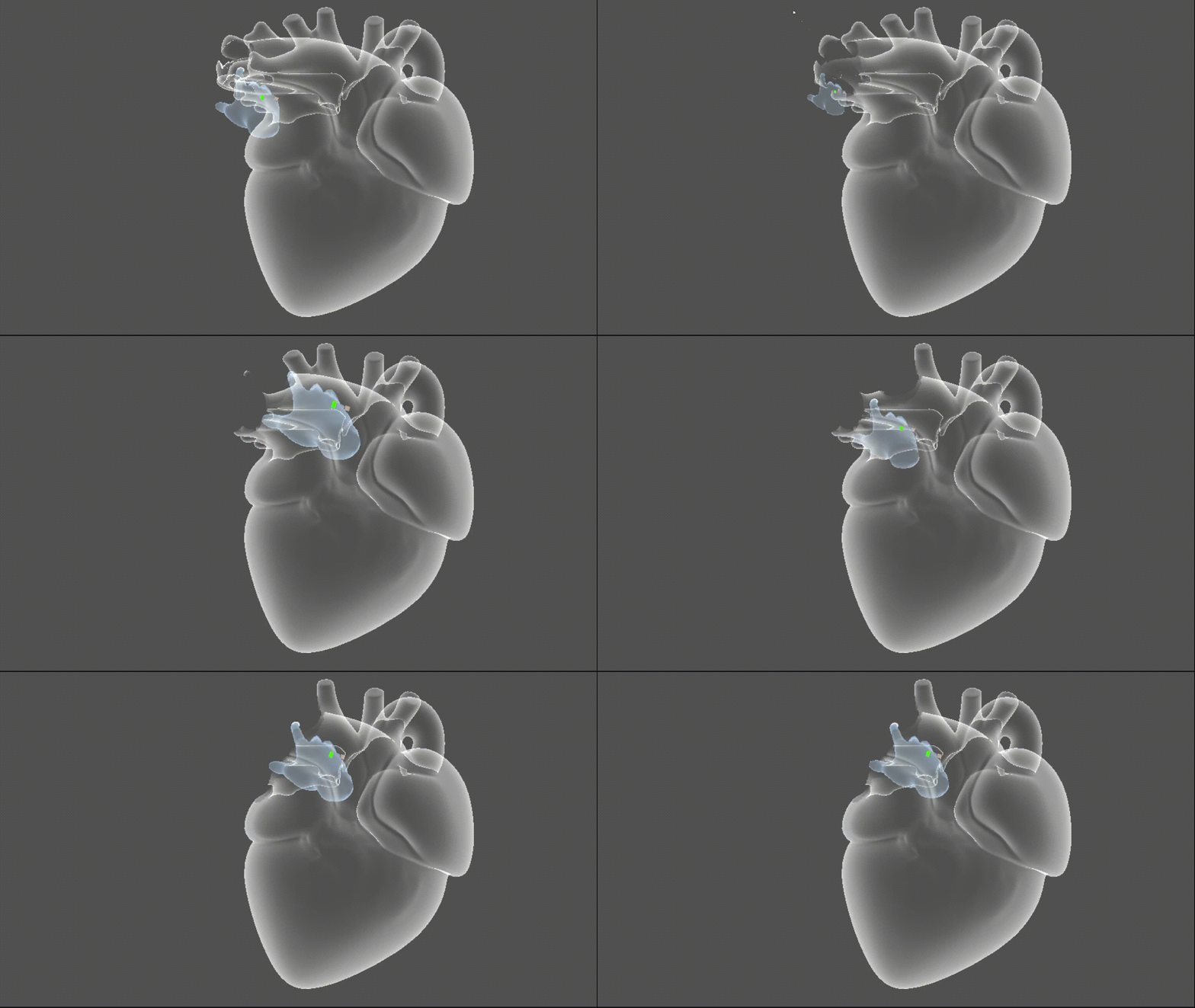
✂️ Clipping: Hide mesh sections by indicating them
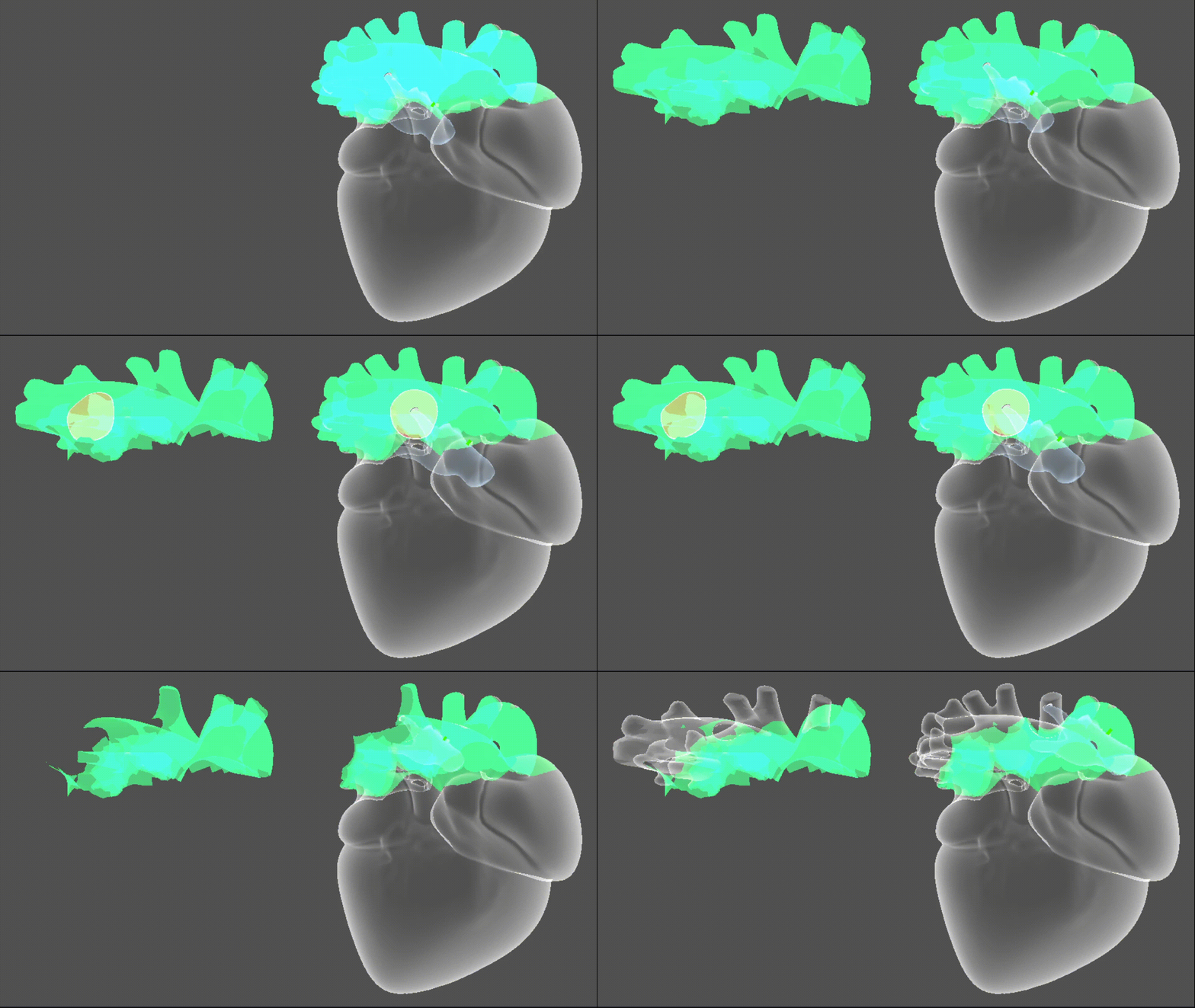
🔁 Extrapolating: Generate new meshes starting from a drawn region
🧠 Bonus: Do not mind about space transformations
All computations are performed in object space, ensuring consistent results regardless of transformations, translation, rotation, or scale will not affect brush behavior.
No comments yet. Be the first!