RapidGUI
IMGUI extensions for Rapid prototyping/development
ga.fuquna.rapidgui 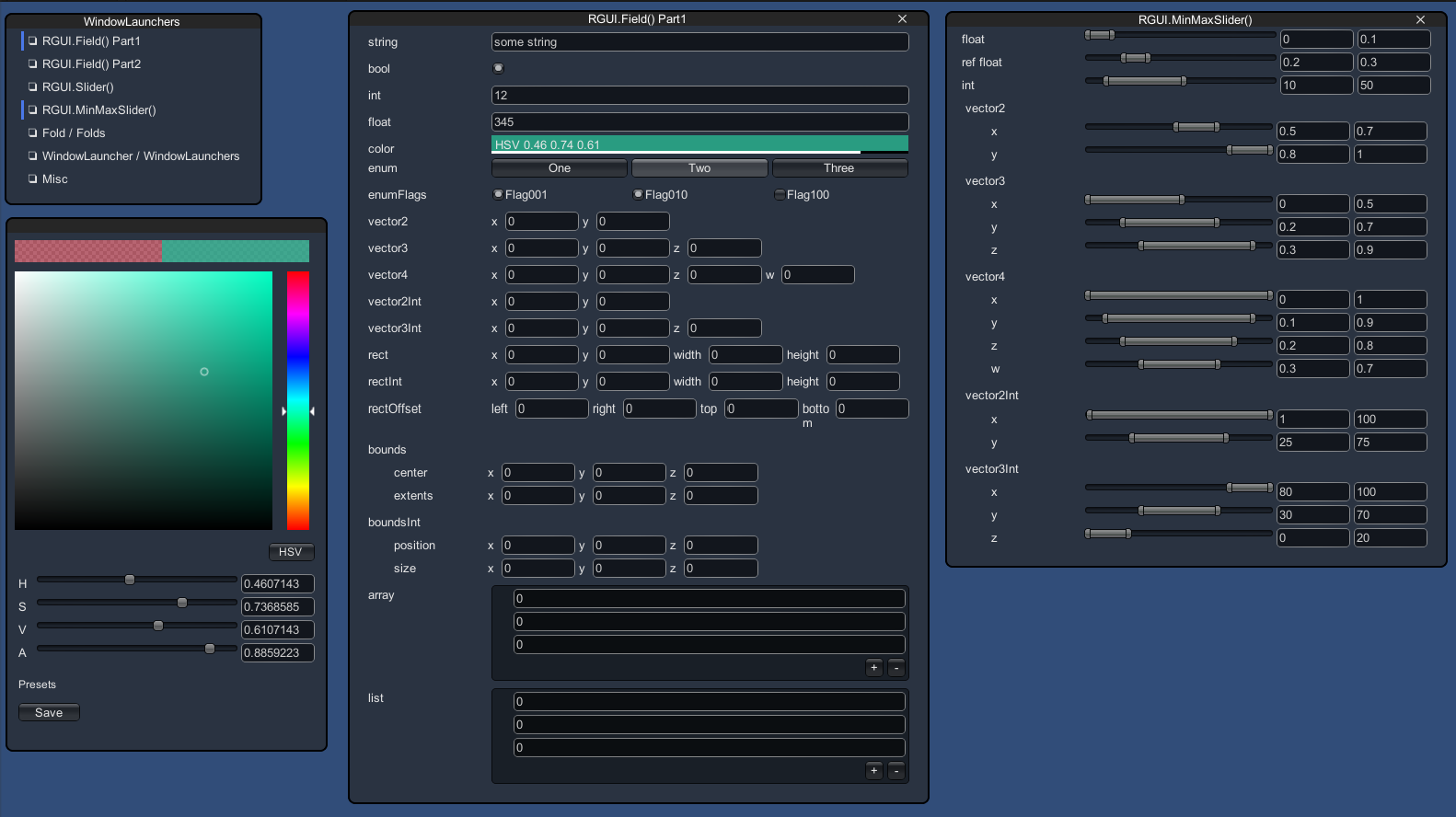
Install via UPM
Add to Unity Package Manager using this URL
https://www.pkglnk.dev/rapidgui.git README Markdown
Copy this to your project's README.md
Style
Preview 
## Installation
Add **RapidGUI** to your Unity project via Package Manager:
1. Open **Window > Package Manager**
2. Click **+** > **Add package from git URL**
3. Enter:
```
https://www.pkglnk.dev/rapidgui.git
```
[](https://www.pkglnk.dev/pkg/rapidgui)README
RapidGUI

Unity IMGUI extensions for Rapid prototyping/development.
Installation
Install via OpenUPM
The package is available on the openupm registry. It's recommended to install it via openupm-cli.
openupm add ga.fuquna.rapidgui
Install via git URL
Add following lines to the dependencies section of the Packages/manifest.json.
"ga.fuquna.rapidgui": "https://github.com/fuqunaga/RapidGUI.git"
Install via traditional .unitypackage
Download a .unitypackage file from the Release page.
Getting Started
- Open and checkout the RapidGUI/Example/RapidGUIExample.unity
- see also the usage from the script below RapidGUI/Example/Scripts/
Functions
RGUI.Field()
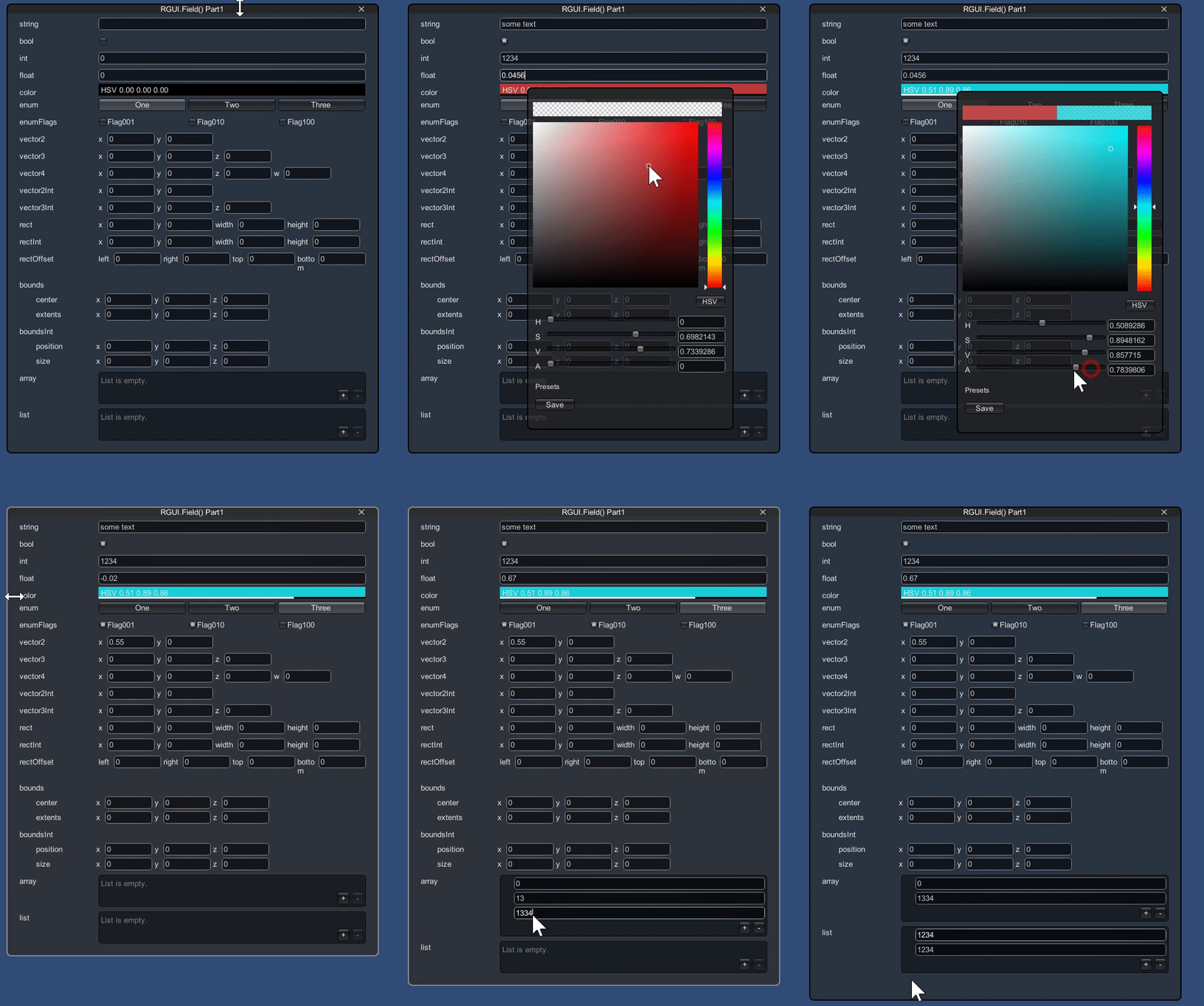
value = RGUI.Field(value, label);
- Display standard GUI according to type of value
- Right-drag label to edit numbers
- Color picker
- Array/List has a right-click menu like inspector
- Supports custom class
CustomClass
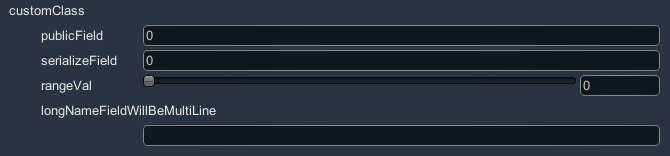
public class CustomClass
{
    public int publicField;

    [SerializeField]
    protected int serializeField;

    [NonSerialized]
    public int nonSerializedField;

    [Range(0f, 10f)]
    public float rangeVal;

    public string longNameFieldWillBeMultiLine;
}
customClass = RGUI.Field(customClass, nameof(customClass));
RGUI.Slider()
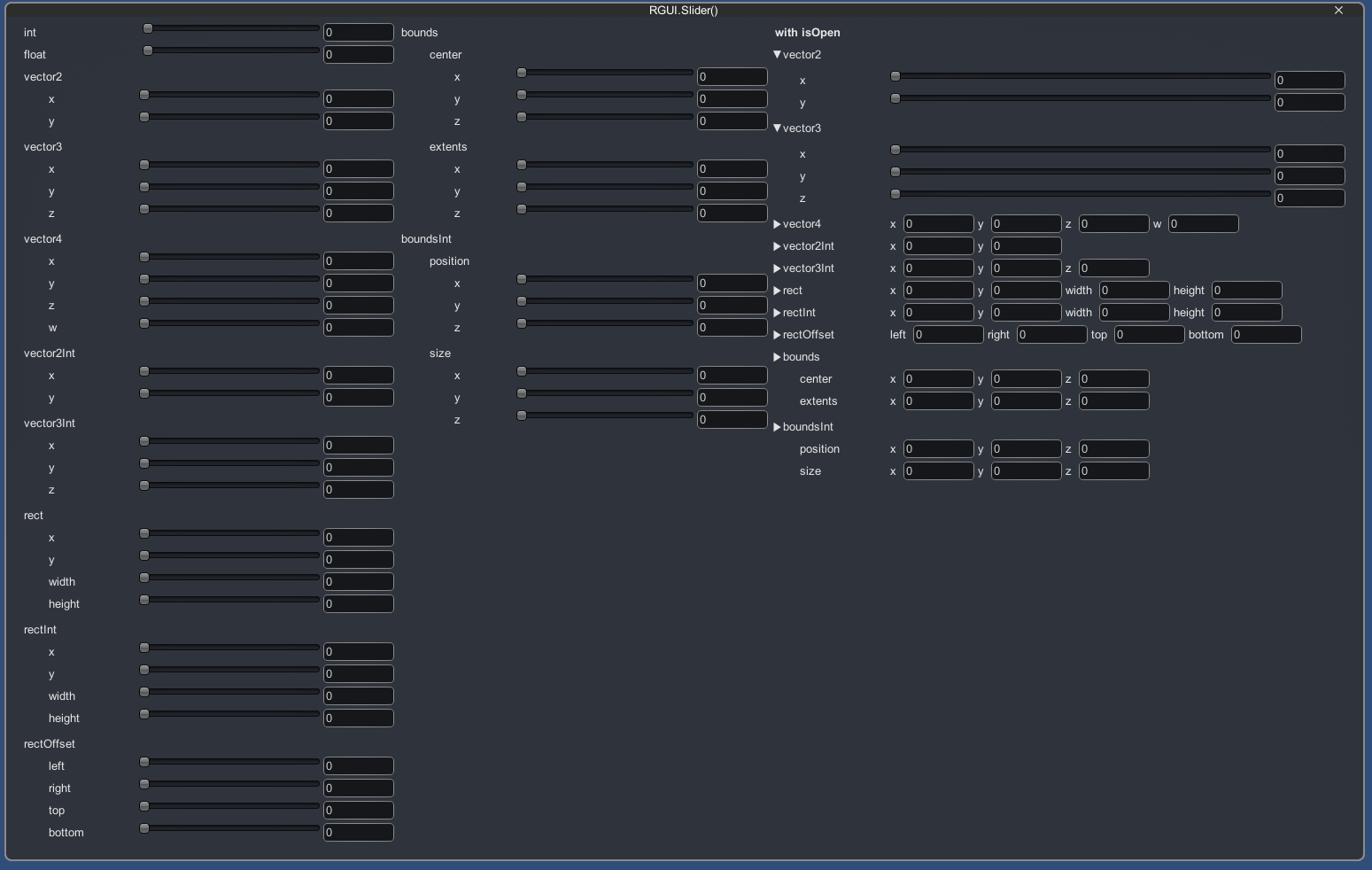
value = RGUI.Slider(value, min, max, label);
- Display slider GUI according to type of numbers
RGUI.MinMaxSlider()
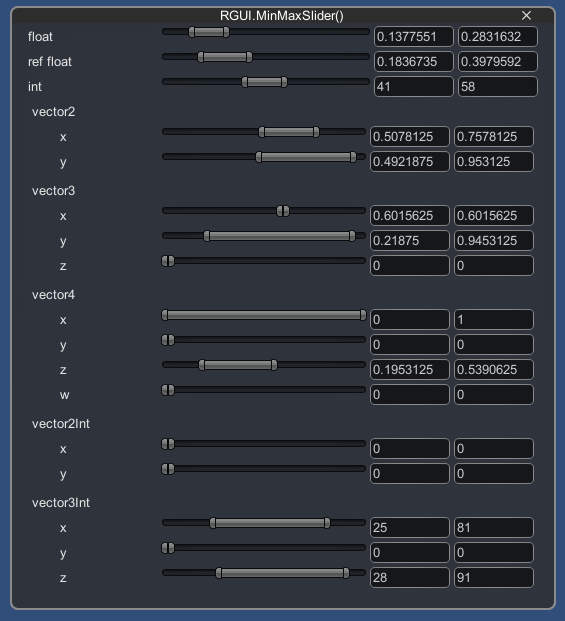
RGUI.MinMaxSlider(minMaxVal, minMaxRange, label);
RGUI.MinMaxSlider(ref floatMin, ref floatMax, rangeMin, rangeMax, label);
- Display min max slider GUI according to type of numbers
- RapidGUI defines some basic MinMax type(
MinMaxInt,MinMaxFloat,MinMaxVector2...) - You can also create your own MinMax type by inheriting
MinMax<T>
RGUI.SelectionPopup()
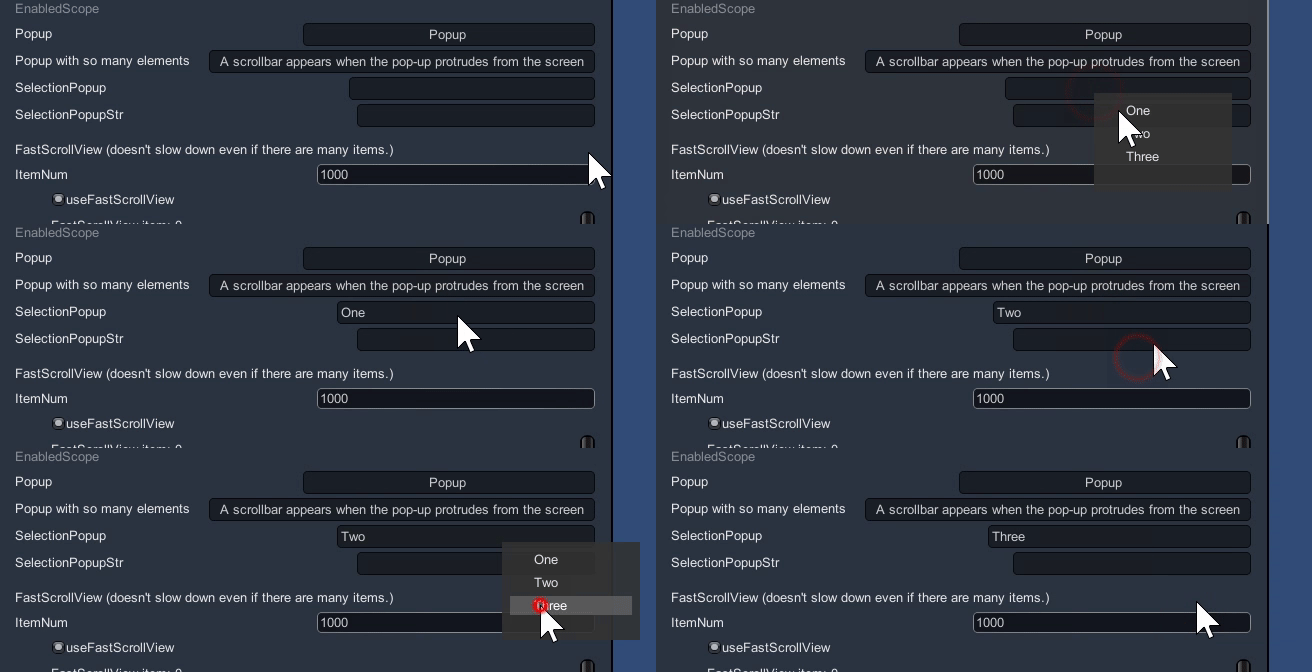
selectionPopupIdx = RGUI.SelectionPopup(selectionPopupIdx, new[] { "One", "Two", "Three" });
selectionPopupStr = RGUI.SelectionPopup(selectionPopupStr, new[] { "One", "Two", "Three" });
RapidGUI.Fold / Folds
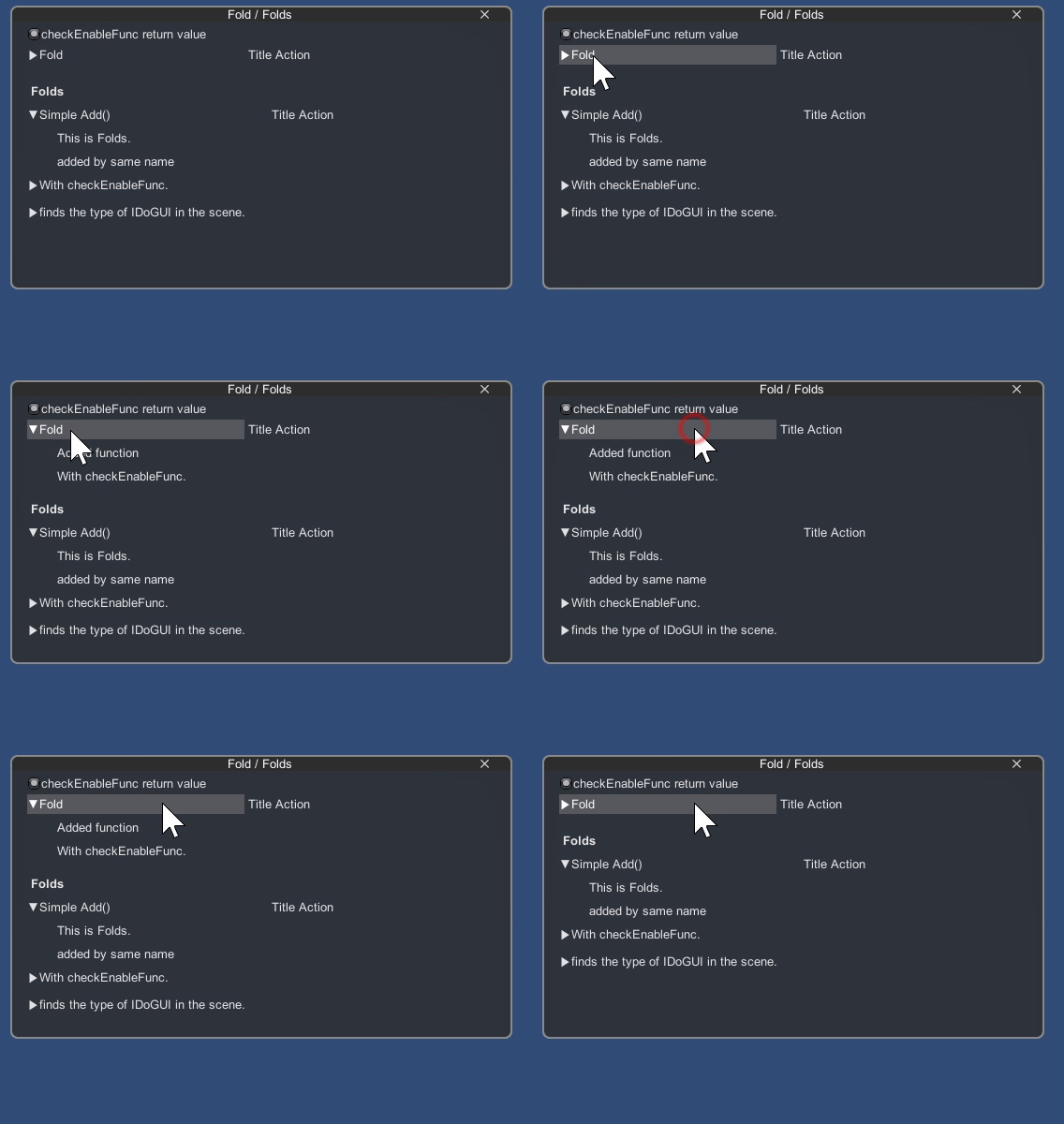
// Initialize
fold = new Fold("Fold");
fold.Add(() => GUILayout.Label("Added function"));
fold.DoGUI();
RapidGUI.WindowLauncher / WindowLaunchers
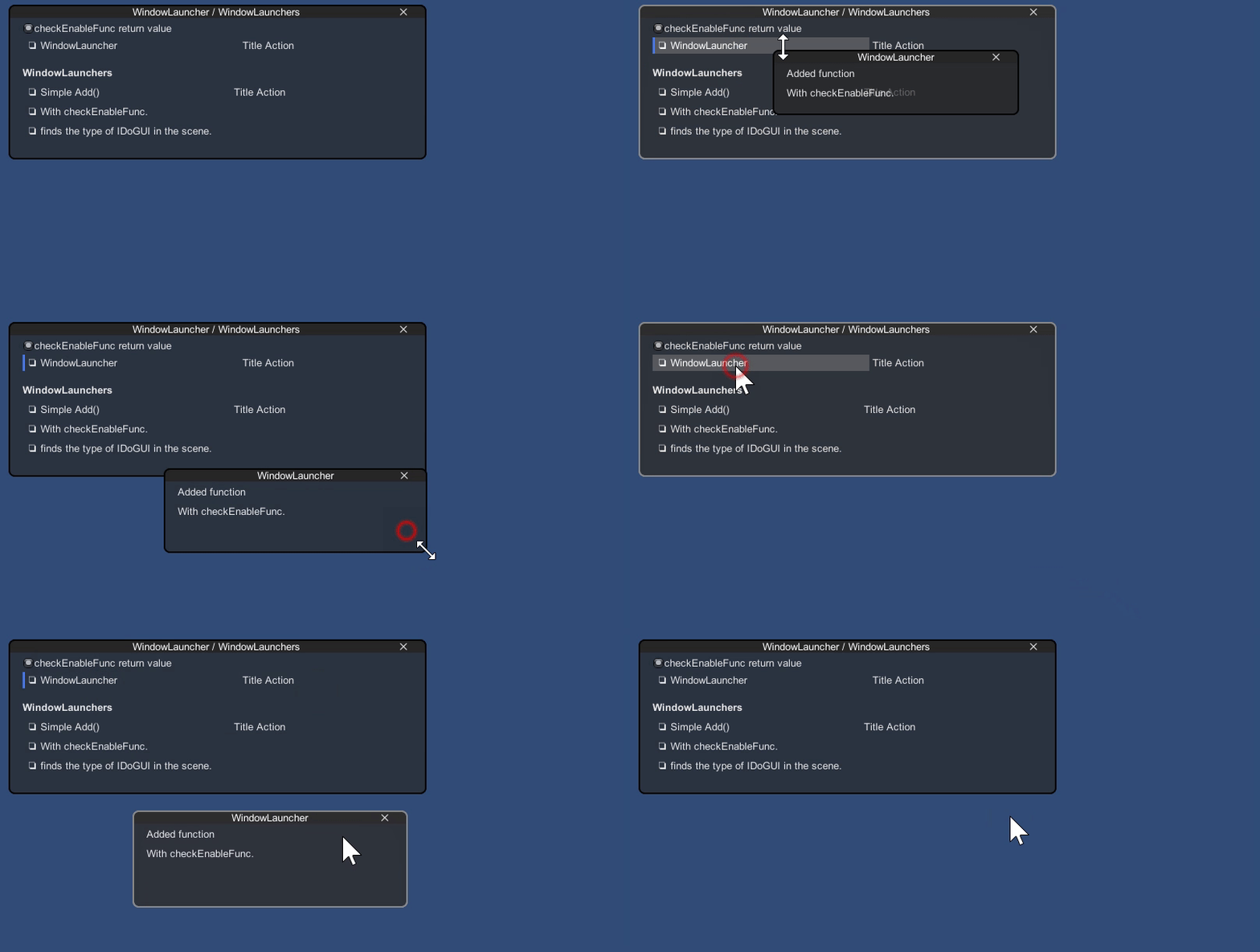
// Initialize
launcher = new WindowLauncher("WindowLauncher");
launcher.Add(() => GUILayout.Label("Added function"));
launcher.DoGUI();
- Toggle open/close window
- Resizable
- Has a close button

- WindowLaunchers automatically adjusts the layout when opening a window
And more!!!
Please check the usage from the script below RapidGUI/Example/Scripts/
Tips
A "RapidGUI" object appears in the hierarchy
 the object is a RapidGUI settings and update hooks.
If not in the scene, it will be generated automatically.
the object is a RapidGUI settings and update hooks.
If not in the scene, it will be generated automatically.
Save/Load parameters
See PrefsGUI
Reference
- unity-immediate-color-picker https://github.com/mattatz/unity-immediate-color-picker
- PrefsGUI https://github.com/fuqunaga/PrefsGUI
No comments yet. Be the first!