Omni Shader Tools for Unity

Omni Shader Tools For Unity is a powerful toolset for Unity developers, designed to streamline shader development and enhance your workflow. Explore the features through the navigation menu on the left and take your Unity projects to the next level.
com.amlovey.omni-shader Install via UPM
Add to Unity Package Manager using this URL
https://www.pkglnk.dev/omni-shader.git README Markdown
Copy this to your project's README.md

## Installation
Add **Omni Shader Tools for Unity** to your Unity project via Package Manager:
1. Open **Window > Package Manager**
2. Click **+** > **Add package from git URL**
3. Enter:
```
https://www.pkglnk.dev/omni-shader.git
```
[](https://www.pkglnk.dev/pkg/omni-shader)README
Omni Shader Tools for Unity
Welcome to Omni Shader!
This is Unity Editor extension part of Omni Shader Tools For Unity.
Omni Shader Tools for Unity is a powerful toolset for Unity developers, designed to streamline shader development and enhance your workflow.
Below are features of this tools.
Shader Build Settings
Configure the rules that define what shaders or shader variants should be skipped when building to improve the build time and performance.
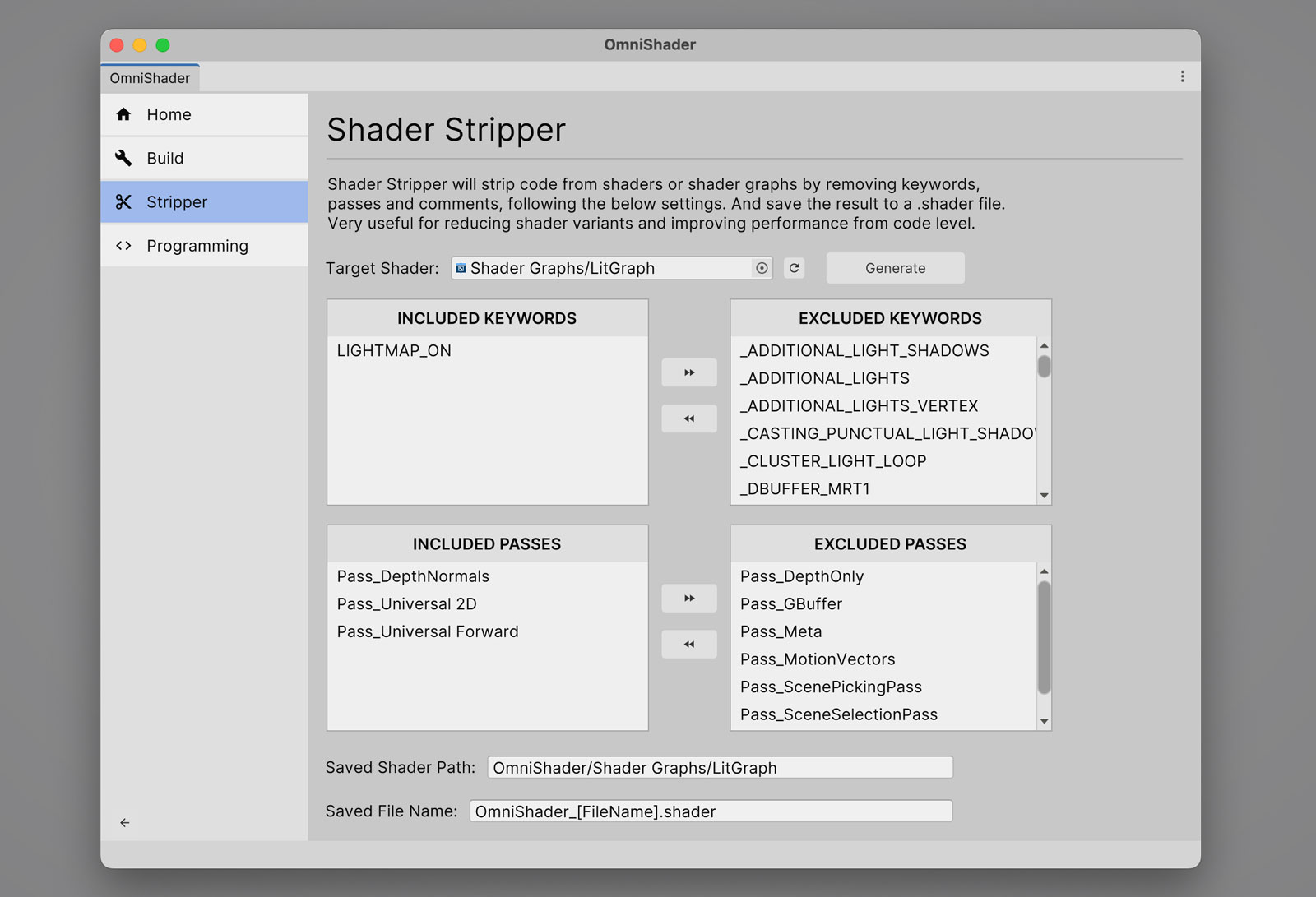
Shader Stripper
Shader Stripper will strip code from shaders or shader graphs by removing keywords, passes and comments, following the below settings. And save the result to a .shader file.Very useful for reducing shader variants and improving performance from code level.
Unity Version Support
Supports Unity 2021.3+
Comments
No comments yet. Be the first!
Sign in to join the conversation
Sign In