Notch Solution
Solve notched and cutout phone layout problems with a comprehensive set of components and tools. Features design-time preview for iterating UI without building, enabling you to embrace notch-aware design patterns rather than hide them. Includes detailed documentation and sample projects for seamless integration.
com.e7.notch-solution 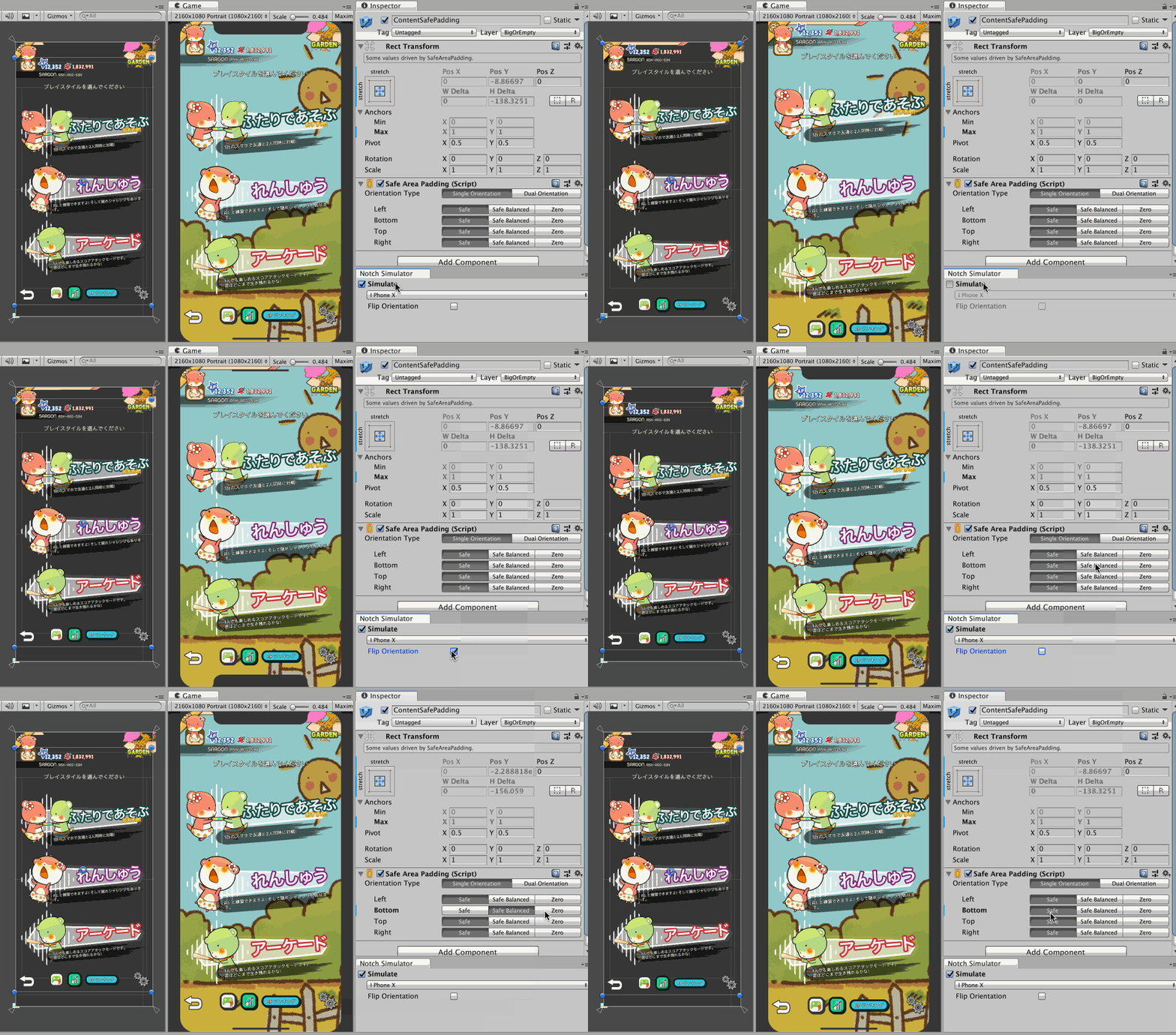
Install via UPM
Add to Unity Package Manager using this URL
https://www.pkglnk.dev/notch-solution.git README Markdown
Copy this to your project's README.md

## Installation
Add **Notch Solution** to your Unity project via Package Manager:
1. Open **Window > Package Manager**
2. Click **+** > **Add package from git URL**
3. Enter:
```
https://www.pkglnk.dev/notch-solution.git
```
[](https://www.pkglnk.dev/pkg/notch-solution)README
Notch Solution
A set of components and tools to solve notched/cutout phones layout problems for Unity.
Whether you like it or not, the time has come for us designers to design in context of a notch and embrace it instead of hiding it. This tool also enables design-time preview which help you iterate your design without building the game.
Official website : http://exceed7.com/notch-solution/
Questions/Problems/Suggestions : 5argon@exceed7.com Discord : https://discord.gg/J4sCcj4
Easy way to pay for this software
Are you looking for a way to say thanks to this open source work other than code contribution?
It is easy! You can take a look at my myriad of niche Unity Asset Store audio plugins in my publisher page, grab something for your game, or tell your audio-caring friends about them. Thank you!
How to use
With internet connection you should visit : http://www.exceed7.com/notch-solution
Without internet connection, the website mentioned was generated from files in a hidden folder. Currently you may see it in a zipped form Documentation~.zip, because Asset Store do not support publishing unimported folders yet so I have to zip them to make them go together.
Please unzip it to access the documentation. Also you can unzip Samples~.zip to access unimported samples, which you can copy them to your project to make them actually import.
After you get a Documentation~ folder, you can read them in their Markdown form from your code editor. Markdowns are human readable by design. They won't be imported to Unity too, as the folder has a trailing ~. It is great because Unity will not create .meta files for them and not import tutorial texts and images, they are not a part of your game. The same goes to unzipped Sample~ folder, they are not supposed to import until you want to see them. This format is currently the best practice.
With an IDE like Visual Studio Code, you can use "Markdown: Open Preview to the Side" to even display a nicely rendered Markdown with images working properly. Navigate by clicking on different files on the folder tree.
License
Comments
No comments yet. Be the first!
Sign in to join the conversation
Sign In