MIDIFrogs Dialog System
Node-based dialog system with editor and runtime UI for Unity.
com.midifrogs.dialogsystem 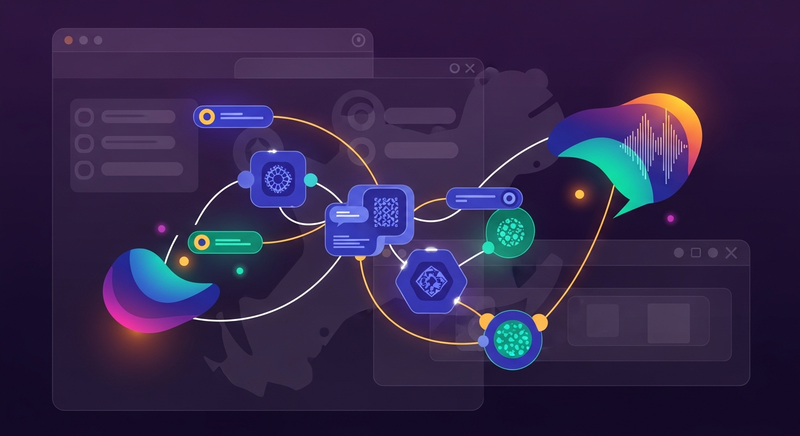
Install via UPM
Add to Unity Package Manager using this URL
https://www.pkglnk.dev/dialogsystem.git README Markdown
Copy this to your project's README.md
Style
Preview 
## Installation
Add **MIDIFrogs Dialog System** to your Unity project via Package Manager:
1. Open **Window > Package Manager**
2. Click **+** > **Add package from git URL**
3. Enter:
```
https://www.pkglnk.dev/dialogsystem.git
```
[](https://www.pkglnk.dev/pkg/dialogsystem)Dependencies (2)
README
MIDIFrogs Dialog System
Node-based dialog system for Unity with editor tooling and runtime UI.
Features
- Graph-based dialog editor
- Choices with conditions and actions
- Runtime dialog playback system
- Voiceover support
- Background (storyboard) images
- Flexible UI via interfaces
- Autoplay / Interactive / Skip strategies
Installation
Note that UniTask should be installed before adding this package
Via Git URL
Add package via Package Manager:
https://github.com/MIDIFrogs/DialogSystem.git
Local
Place the package into your project's Packages folder.
Quick Start
- Create a Dialog Asset
- Open Window → Dialog Editor
- Build your dialog graph
- Add
DialogRunnerto scene - Assign UI (from Samples or custom)
Quick Onboarding
1. Create Dialog
- Open Window → Dialog Editor
- Click on
+button to create new dialog file - Add nodes and connect them
- Fill nodes with some text
2. Setup Scene
- Open sample scene OR create new scene
- Add Dialog View prefab to Canvas
- Add Sample Dialog Runner to any GameObject
3. Connect
Assign in DialogRunner:
- Dialog Asset
- Dialog View (link from canvas)
4. Play
Enter Play Mode
→ Dialog starts
Minimal Setup Example
public class Example : MonoBehaviour
{
    [SerializeField] private DialogAsset dialog;
    [SerializeField] private DialogRootView view;

    private void Start()
    {
        // Initialize environment
        var dialogService = new DialogService(rootView, context);

        // Import dialog
        var imported = DialogImporter.Import(dialog);

        // Begin the show!
        dialogService.Play(imported);
    }
}
Architecture
Runtime
- Core — pure dialog logic (no Unity dependencies)
- Unity — asset conversion and integrations
- UI — default UI implementation
Editor
- Graph-based dialog editor
- Validation and layout system
UI Customization
The system is interface-driven:
IDialogViewILineViewIChoicesViewIStoryboardViewIVoicePlayer
You can:
- modify provided prefabs
- or fully replace UI implementation
Text & Styling
Supports:
- Custom font styles
- Extendable text processing pipeline
Samples
Check Samples~/BasicExample for:
- working scene
- example dialog
- UI prefabs
Dependencies
- TextMeshPro
- UniTask
License
MIT
Comments
No comments yet. Be the first!
Sign in to join the conversation
Sign In