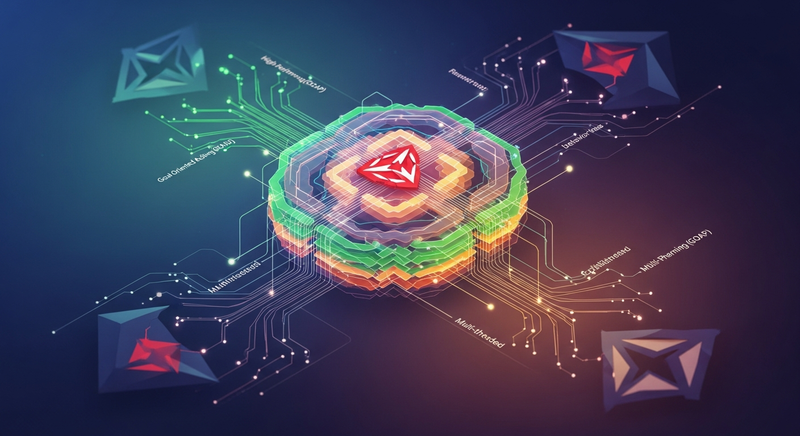

A multi-threaded Goal Oriented Action Planning (GOAP) system that enables complex AI behavior trees for Unity. Built on Unity's job system for high performance, it offers both ScriptableObject and code-based configuration, includes visualization tools for debugging, and comes with demo scenes and comprehensive documentation. Optimized for 2022.2+ with backward compatibility to 2021.3.
Unity Project
Built with Unity 2022.3.62f3 · download the source from GitHub
README
Rendered from GitHub







GOAP for Unity
A robust, multi-threaded Goal Oriented Action Planning (GOAP) system designed for Unity, empowering developers to create complex AI behaviors with ease.
This library, a successor to the one used in Basher Beatdown, brings enhanced performance and flexibility to game AI development.
Key Features
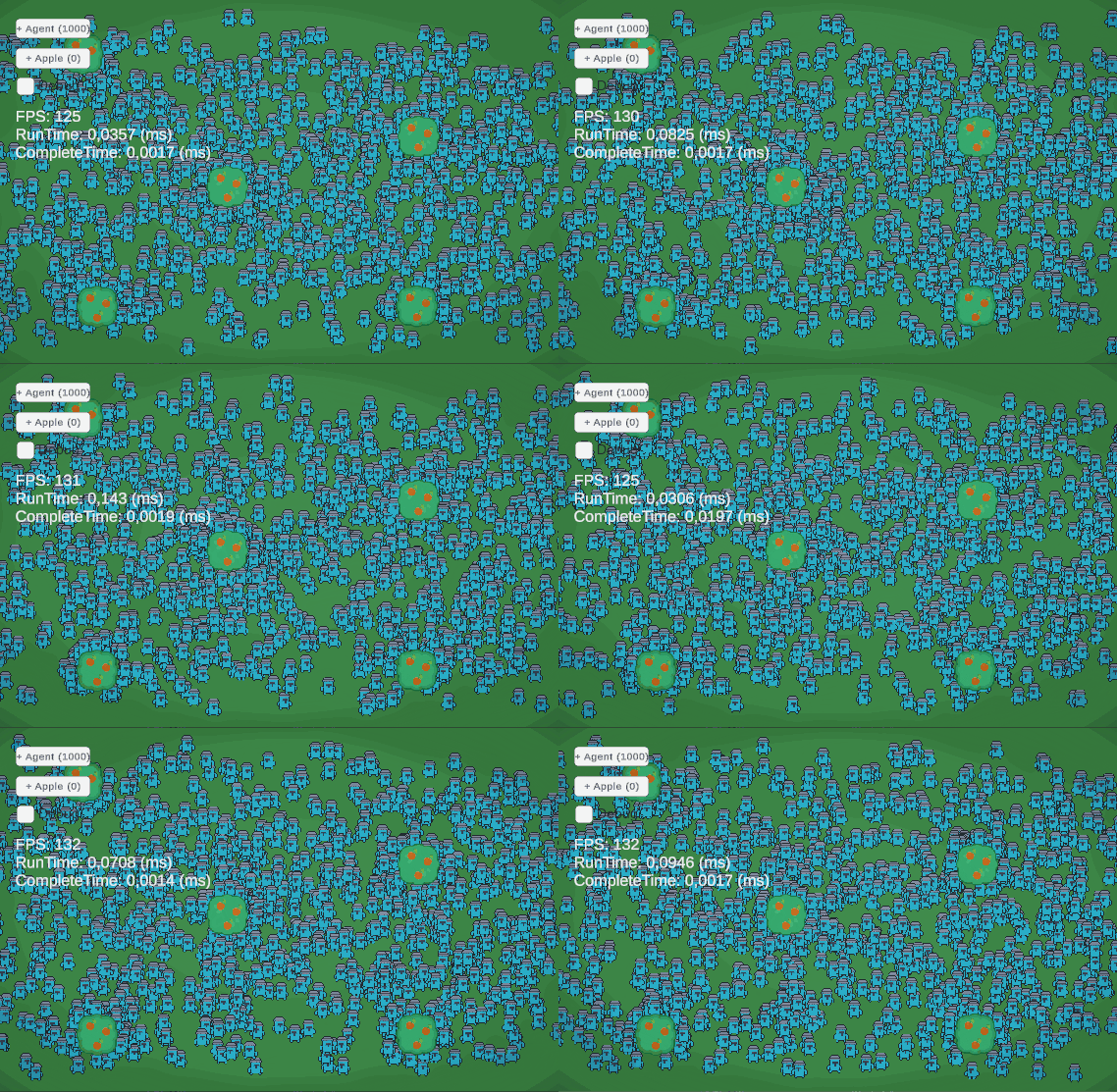
- High Performance: Optimized for speed, leveraging Unity's job system for multi-threaded operations.
- User-Friendly: Simple setup process, with options for both
ScriptableObjectsand code-based configurations. - Visualization Tools: Includes a GOAP Visualizer for easy debugging and understanding AI decisions.
- Demo Scenes: Comes with two illustrative demo scenes showcasing the system's capabilities.
- Comprehensive Documentation: Detailed documentation for ease of use and integration.
- Compatibility: Built using Unity 2022.2, also confirmed to work seamlessly with Unity 2021.3.
- Tested and Proven: Rigorously tested to ensure reliability and performance.
Installation
Integrate GOAP into your Unity project using one of the following methods:
- Unity Package Manager: Add the package via the package manager using this URL:
https://github.com/crashkonijn/GOAP.git?path=/Package#3.1.2
OpenUPM: Install through OpenUPM.
Unity Asset Store: Available on the Unity Asset Store.
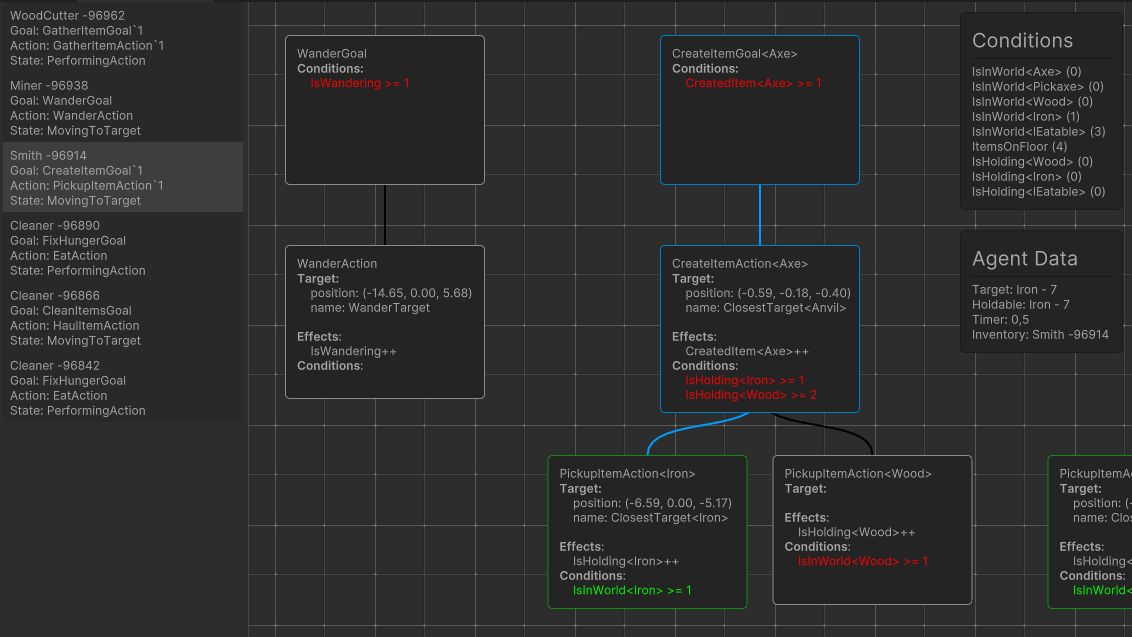
Node Viewer
Visualize your GOAP nodes and their interactions with our intuitive Node Viewer.
Documentation and Examples
- Documentation: Access comprehensive guides and API references in the
Package/Documentationfolder or visit goap.crashkonijn.com. - Demos: Explore practical implementations in the Demo folder. Simply clone this repository and open the Demo project in Unity to get started.
Showcase
Sponsoring
If you'd like to sponsor the project, this can be done through my GitHub Sponsor page or by buying the Support Edition on the Unity Asset Store.
References
- YouTube tutorials on how to use the library.
- YouTube references discussing GOAP in general.
- YouTube mentions about this project.
Versions 0
No versions tracked yet.
Dependencies 0
No dependencies.
Changelog 0 releases
No changelog entries yet. Run the admin Changelog & Version Scanner to pull from the repository's CHANGELOG.md.
Comments
No comments yet. Be the first!
Sign in to join the conversation
Sign In