Aseprite Importer
An aseprite-file importer for unity written in C#, built upon the experimental AssetImporter API.
io.tinu.asepriteimporter 
Install via UPM
Add to Unity Package Manager using this URL
https://www.pkglnk.dev/asepriteimporter.git README Markdown
Copy this to your project's README.md

## Installation
Add **Aseprite Importer** to your Unity project via Package Manager:
1. Open **Window > Package Manager**
2. Click **+** > **Add package from git URL**
3. Enter:
```
https://www.pkglnk.dev/asepriteimporter.git
```
[](https://www.pkglnk.dev/pkg/asepriteimporter)Dependencies (1)
README
Aseprite-Importer for Unity
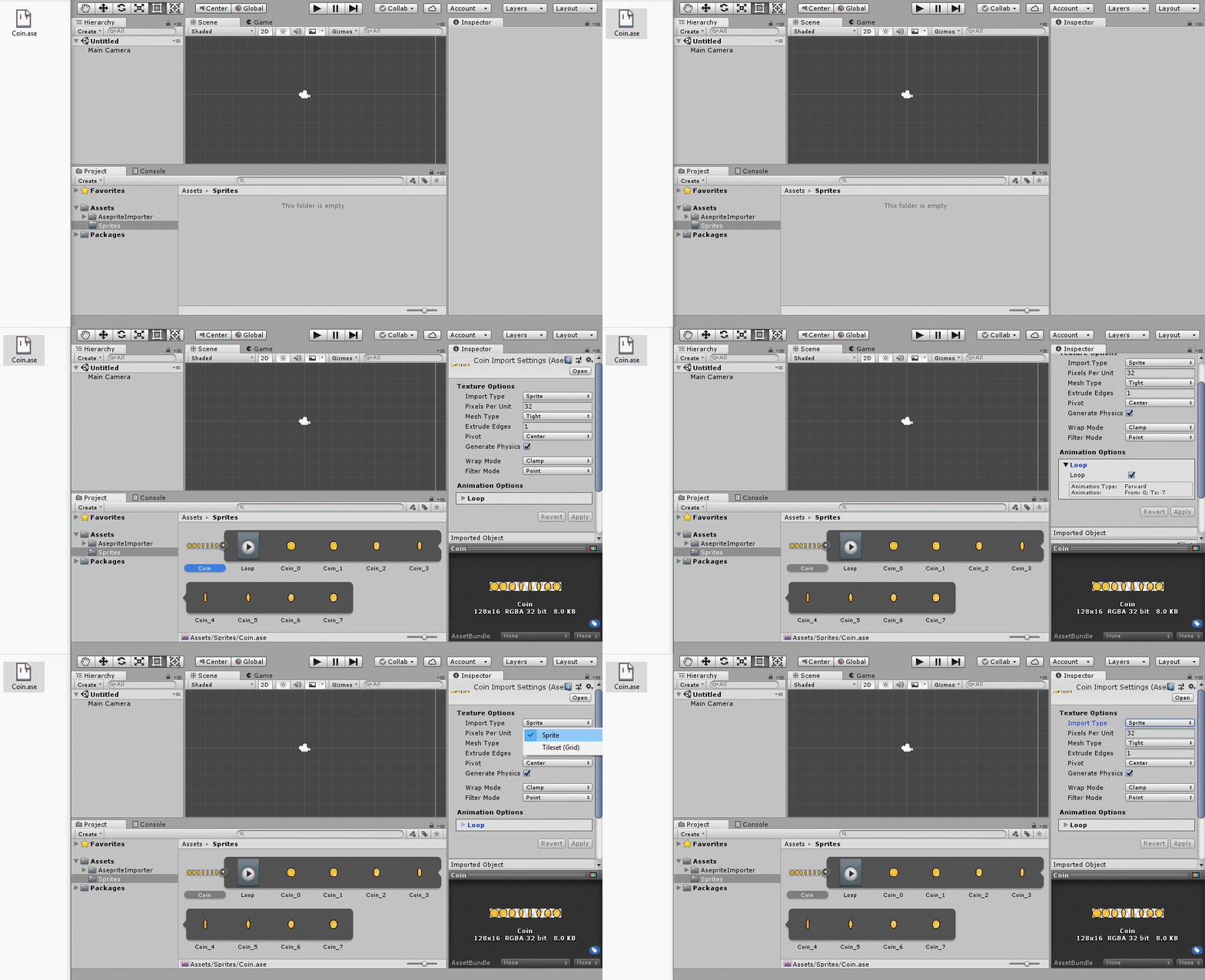
This package helps you importing .ase files from aseprite. The reader is fully written in C# which reads the compressed binary file and creates spritesheets, sprites and animations out of it.
Features
- Creates a sprite sheet file (not dynamic)
- Editable meta data like custom physics shapes with the 'Sprite Editor'
- Generates tilemap with extended-padding (solves lines tearing issue between tiles)
- Makes animation files (not dynamic)
- Creates an animation controller
- New tilemap name rule support (row-col)


Install
OpenUPM
Unity Package
OpenUPM lets you install packages more easily by providing a downloadable unity package which will setup the package automatically. You can find the download on the following link:

CLI
Prerequisites
See: https://openupm.com/docs/getting-started.html#installing-openupm-cli
OpenUPM CLI Install
# Go to your Unity project directory
cd YOUR_UNITY_PROJECT_DIR

# Install package: io.tinu.asepriteimporter
openupm add io.tinu.asepriteimporter
Unity
- In Unity open the Package Manager (
Window > Package Manager). - In the Package Manager click on the Plus-Icon in the top-left and select
Add package from git URL... - Enter the URL of this Repository (
https://github.com/martinhodler/unity-aseprite-importer.git) and press Enter
License
See LICENSE file.
Note: As of Unity doesn't include any editor scripts in the game, you don't have to license your game under GPL.
No comments yet. Be the first!