Android XR Extensions for Unity
Android XR Extensions package. This package provides additional XR features that are not yet supported by Unity OpenXR Android XR and OpenXR Plugin packages.
com.google.xr.extensions 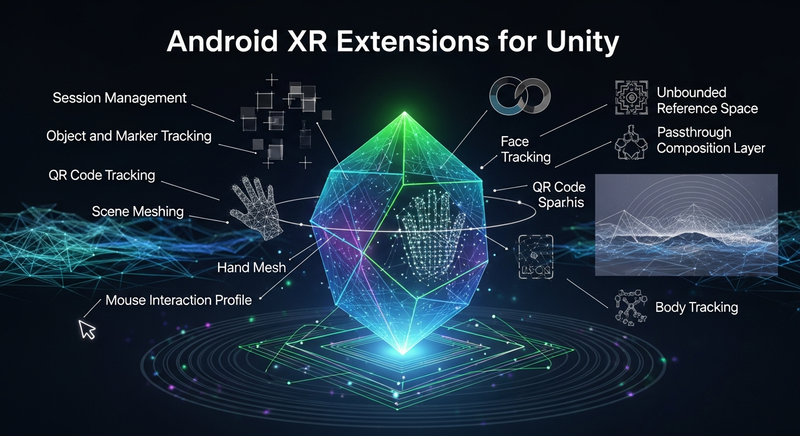
Install via UPM
Add to Unity Package Manager using this URL
https://www.pkglnk.dev/android-extensions.git README Markdown
Copy this to your project's README.md

## Installation
Add **Android XR Extensions for Unity** to your Unity project via Package Manager:
1. Open **Window > Package Manager**
2. Click **+** > **Add package from git URL**
3. Enter:
```
https://www.pkglnk.dev/android-extensions.git
```
[](https://www.pkglnk.dev/pkg/android-extensions)Dependencies (3)
README
Android XR Extensions for Unity
The Android XR Extensions for Unity provide APIs for the following:
- Session Management: required for all Android XR Extensions' features.
- Environment Blend Mode.
- Object Tracking.
- Face Tracking.
- Marker Tracking.
- QR Code Tracking.
- Hand Mesh.
- Scene Meshing.
- Unbounded Reference Space.
- Passthrough Composition Layer.
- Mouse Interaction Profile.
- Body Tracking (Experimental).
- System State (Experimental).
How to use
In Window > Package Manager, click the + button, and choose the Add package from tarball... option to import Android XR Extensions for Unity package.
In Project Settings > XR Plug-in Management, switch to Android tab, then check OpenXR as the plug-in provider at OpenXR runtime.
Under XR Plug-in Management > OpenXR, switch to Android tab, select Android XR (Extensions) feature group, or select individual features that your want to use at OpenXR runtime.
NOTE: Some of them might have additional requirements or configuration, refer to the README.md from each sample for more details.
Under XR Plug-in Management > Project Validation, fix all OpenXR related issues. This will help to configure your Player Settings.
In Player > Android > Identification > Minimal API Level, select 24 or higher level. This is required by OpenXR Loader. Otherwise, it can fail the build.
Build your project targeting Android platform.
No comments yet. Be the first!