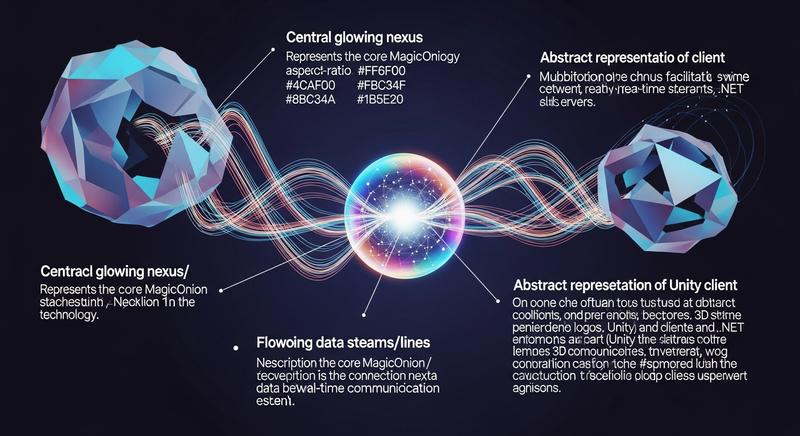

Get started with MagicOnion for real-time communication between Unity clients and .NET servers. This template provides a pre-configured project based on Unity 6, complete with initialization scripts and all necessary setup for quick integration. Ideal for developers building multiplayer games and networked applications with minimal configuration overhead.
Unity Project
Built with Unity 6000.0.36f1 · download the source from GitHub
README
Rendered from GitHubMagicOnion.Template.Unity
This repository provides a template for creating a project that has completed the Quick Start with Unity and .NET Server.
This template based on the "Universal 3D" template using Unity 6000.0.36f1.
How to set up
You can download the archive file from GitHub and extract it, or create a repository from the GitHub template feature. The following is an example command to extract the template to the MyApp directory.
REM Windows (cmd.exe or PowerShell)
mkdir MyApp
cd MyApp
curl.exe -L -o - https://github.com/Cysharp/MagicOnion.Template.Unity/archive/refs/heads/main.tar.gz | tar xz -C . --strip-component 1
# Bash, zsh
mkdir MyApp
cd MyApp
curl -L -o - https://github.com/Cysharp/MagicOnion.Template.Unity/archive/refs/heads/main.tar.gz | tar xz -C . --strip-component 1
After extracting the source code, run init.cmd or init.sh with an arbitrary project name (e.g., MyApp). This script performs preparation such as renaming projects and files in the repository root.
init.cmd MyApp
bash init.sh MyApp
After running the script, you can delete init.sh and init.cmd and tools/RepoInitializer that actually perform the rewriting process.
License
The repository is provided under the CC0 - Public Domain license.
Versions 0
No versions tracked yet.
Dependencies 48
Changelog 0 releases
No changelog entries yet. Run the admin Changelog & Version Scanner to pull from the repository's CHANGELOG.md.
Comments
No comments yet. Be the first!
Sign in to join the conversation
Sign In